
 Googlefeature
Voice Dictation in Gemini for macOS
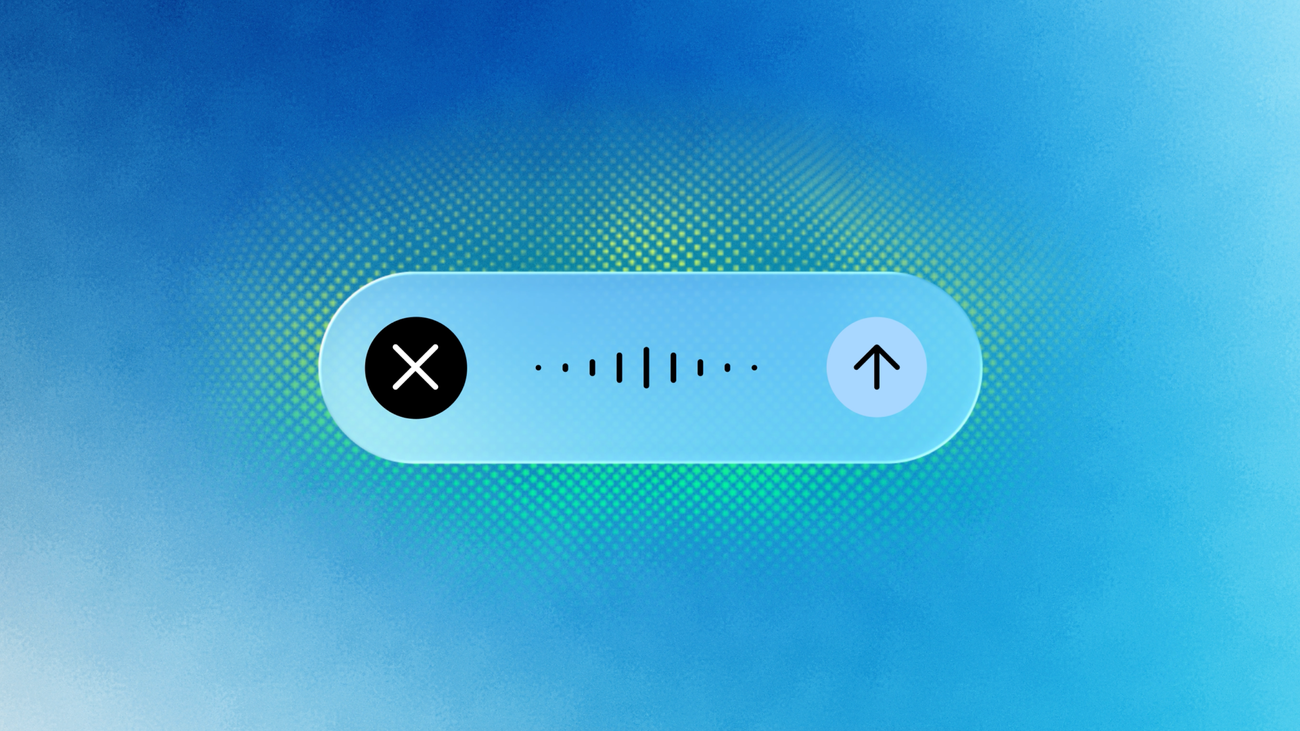
Hold the Fn key to talk into any window on your Mac, and Gemini writes it down as clean text.
Details
- Hold the Fn key and speak into any text field, and Gemini transcribes what you said with filler words stripped out and the text formatted into paragraphs
- Turning on Gemini reasoning lets it read what is on your screen, so you can ask it by voice to rewrite highlighted text, pull details out of a local file, or generate an image
- Double-tapping Fn starts hands-free recording for longer stretches of dictation
- Rolling out globally to everyone with the Gemini macOS app, in English first with more languages coming
- Free, and needs an Apple Silicon Mac running macOS Sequoia or later
Best for
Drafting emails, notes, and messages by talking, without leaving the app you are already in
When to use it
You think faster than you type, or you are writing the same kind of short message over and over
Who benefits
Anyone on a Mac who writes a lot of short-form copy and replies during the day


Join the newsletter to get ahead with AI.
I share strategies, new modules, free guides, and tools to get you better at using AI in your work.
Leading a team? See team programs →