Chasing Next
Start for FreeFor TeamsUpdatesBlogAboutSign In
Chasing Next

Learn AI by doing.

Start for FreeFor TeamsAboutFAQUpdatesBlog
Sign UpSign InSupport
2026 Moonswell Marketing LLC·Terms·Privacy··
All posts
May 5, 2026·6 min read

5 Ways to Get Out of Chat Mode

You can chat with AI all day and still be stuck. These moves will get you ahead.
RileyRiley Beresini
5 Ways to Get Out of Chat Mode
Most people I talk to are using AI one of two ways:

1. Open a chat, get help, then start over tomorrow in a new window without background.

2. Use one really long chat they keep going back to because it has all the context from endless back and forth. 

Many will tell you they're ahead of the curve because they're using AI regularly.

But they're not ahead. They're stuck in chat mode and don't know it. 

Chat mode = single-use AI conversations where nothing compounds. 

To be clear, chatting with AI isn't the issue. People pulling ahead are still talking with AI constantly. They differ because they've built structure around it and aren't afraid to use AI outside the chat window.

Did I just call you out?

You're in good company, which is why making a shift now is the smartest way to stand out.

Here are 5 ways to get out of chat mode:

1. Set up workspaces that hold context

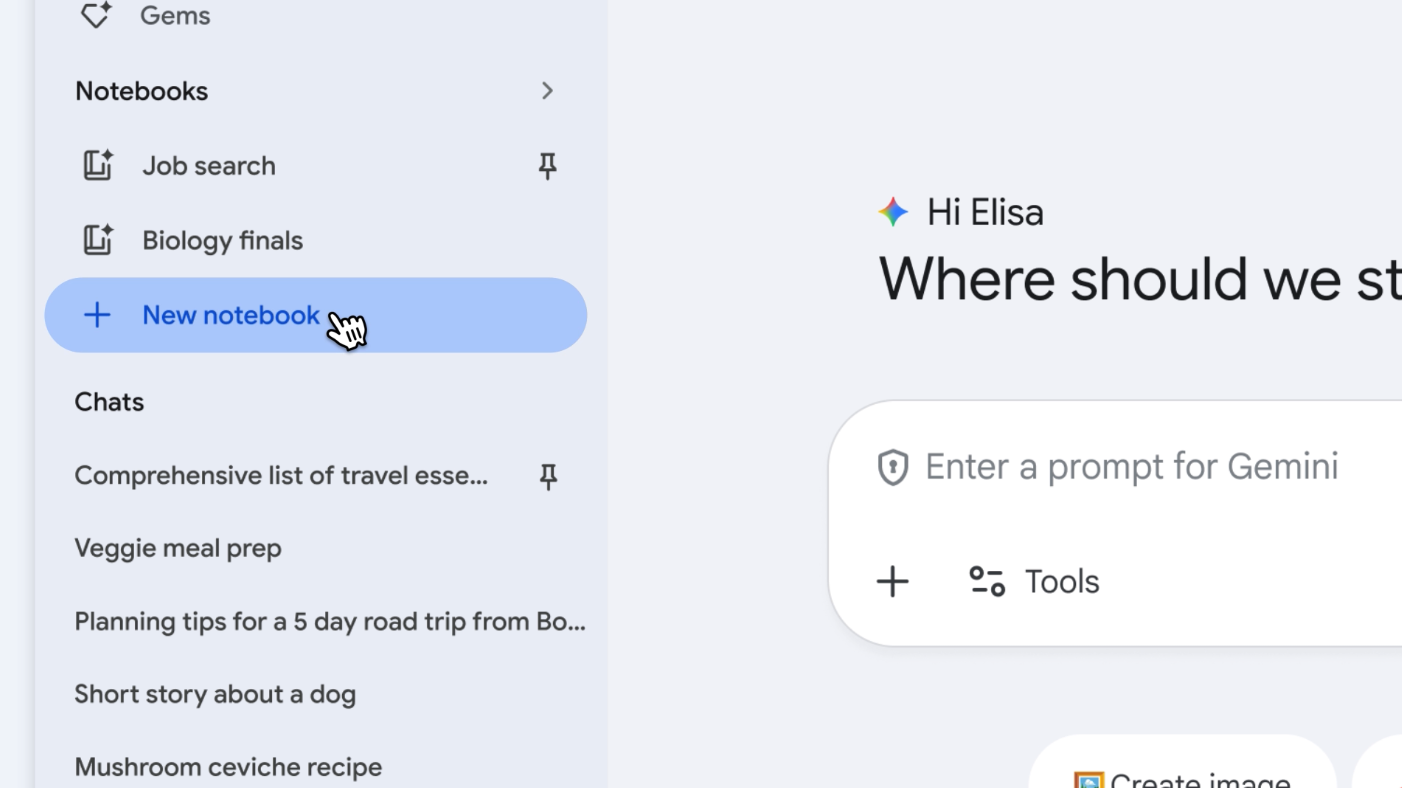
Gemini Notebooks
The easiest way to move past chat mode is to stop starting from zero. 

Most AI platforms have ways to set up a workspace that holds files, instructions, and memory across the chats inside them. ChatGPT and Claude call them Projects. Gemini and Copilot call them Notebooks.

Drop in files that describe what you're working on: a brief, your goals, last quarter's numbers, your team's voice guide. Add instructions for how you want AI to work. Every time you open a chat in this workspace, AI has the background.

As you get comfortable, you can set up different workspaces for different things. One for your Q2 campaign, another that acts as your CMO giving feedback, and another that is great at brainstorming within your constraints.

This is how you stop winging every chat and see things compound. 

2. Create reusable workflows

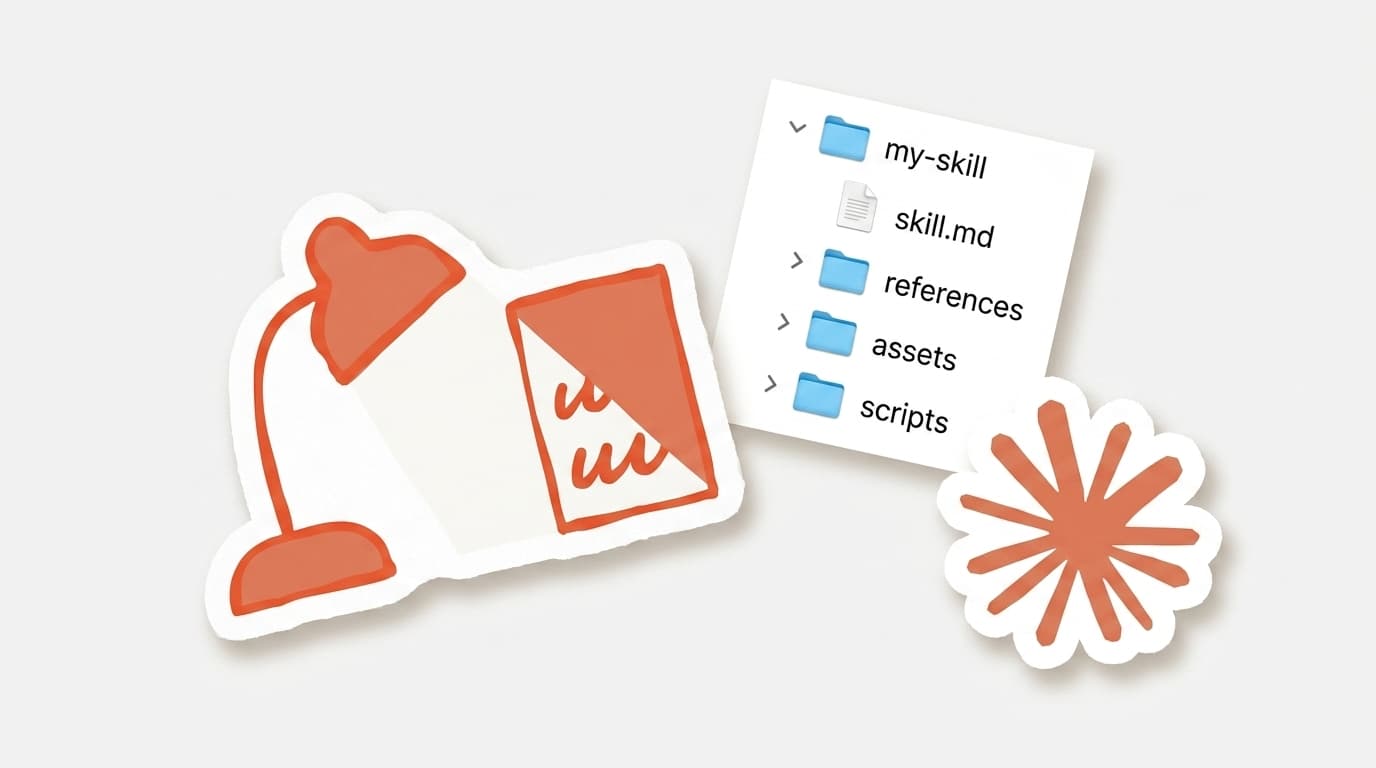
Claude Skills
Once you understand workspaces, the next move is using them to run specific processes by writing clear, step-by-step instruction prompts. 

Take a task that you do regularly, like writing a positioning brief, then write out the steps and format AI needs to follow to complete it. Save that prompt as instructions in a dedicated workspace. This way AI knows exactly what to do each time you start a new chat. 

The next level after this is learning to create Skills (available in Claude, Gemini in Chrome, and rolling out in ChatGPT). They package a process so that AI runs it the same way in any chat. 

Skills fix AI results feeling inconsistent and the constant oversteering to get something usable.

This is how AI starts to take work off your plate.

3. Make it run without you

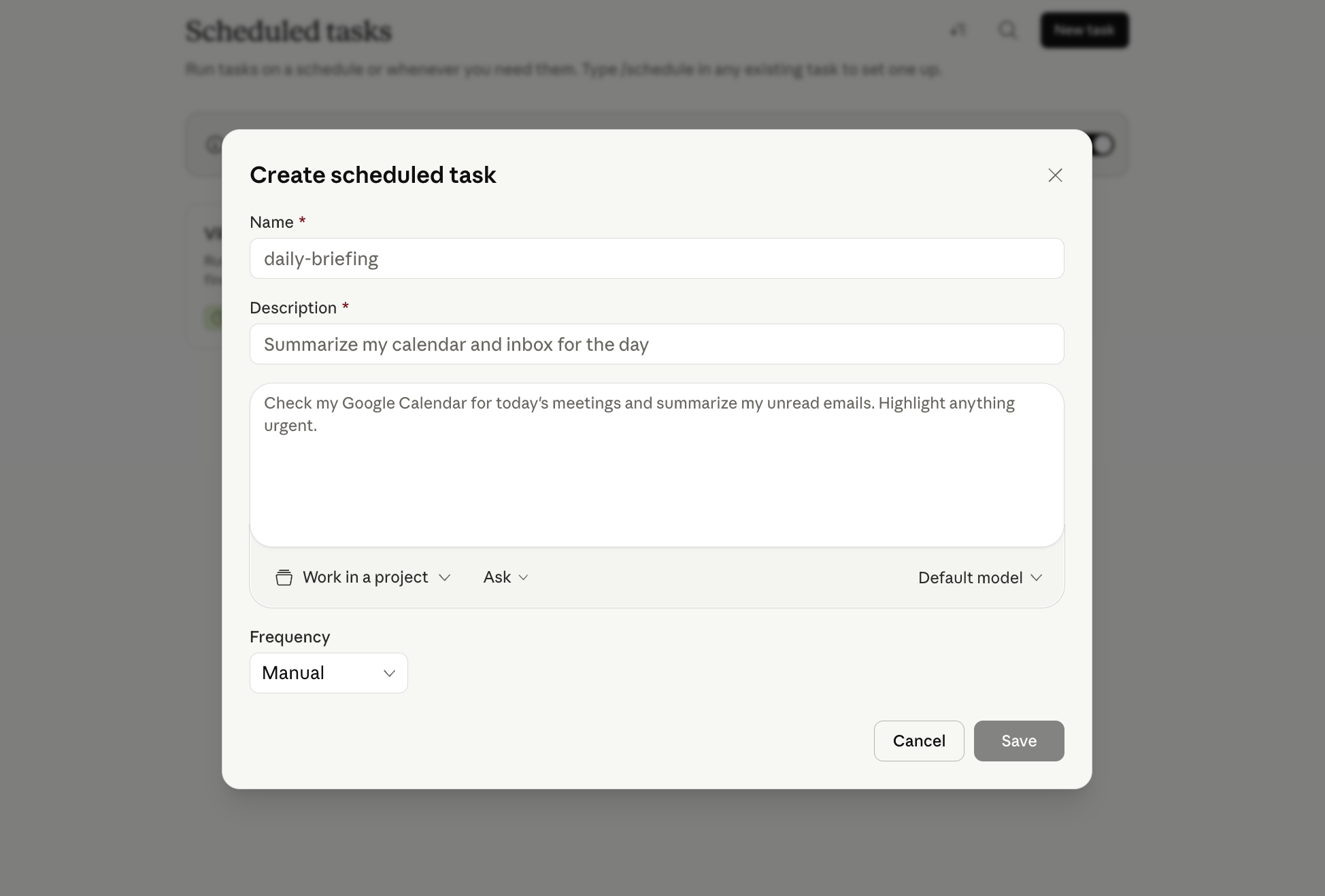
Claude Cowork Scheduled Tasks
The next step is making AI run without you starting it. 

A few platforms already have these abilities. Gemini has scheduled actions that can connect with Workspace data and send things like daily email summaries or weekly content ideas. ChatGPT and Claude (in Cowork) have scheduled tasks that can run your prompts or Skills on daily, hourly, or weekly cadences. 

Picture the weekly report you usually write yourself already in your inbox Monday morning.

Skills give AI a process to follow. Scheduling gives it a trigger. Put them together and you have an agent that frees you up for bigger opportunities.

This is what working alongside AI looks like.

4. Use AI where you work

There's a huge opportunity hidden in plain sight... and it's using AI in the tools you work in every day. 

Start by exploring the new features your tools have added. The ones you spend the most time in (Gmail, Figma, Asana, Slack, Notion, Office, etc.) all have AI features baked in. Some will be useful, some won't be. But you won't know until you try them.

The next move is using connectors or apps to link your AI platform to your tools. This way you can pull information or have AI take action in your tools with less manual effort from you. 

The version I've found the most helpful is letting AI work directly in your files. Tools like Claude (Cowork and Claude Code), ChatGPT (Codex), and Perplexity Computer let AI read and edit documents at scale.

Each of these expands the surface area AI can impact.

5. Build anything

The opposite of chat mode is building. 

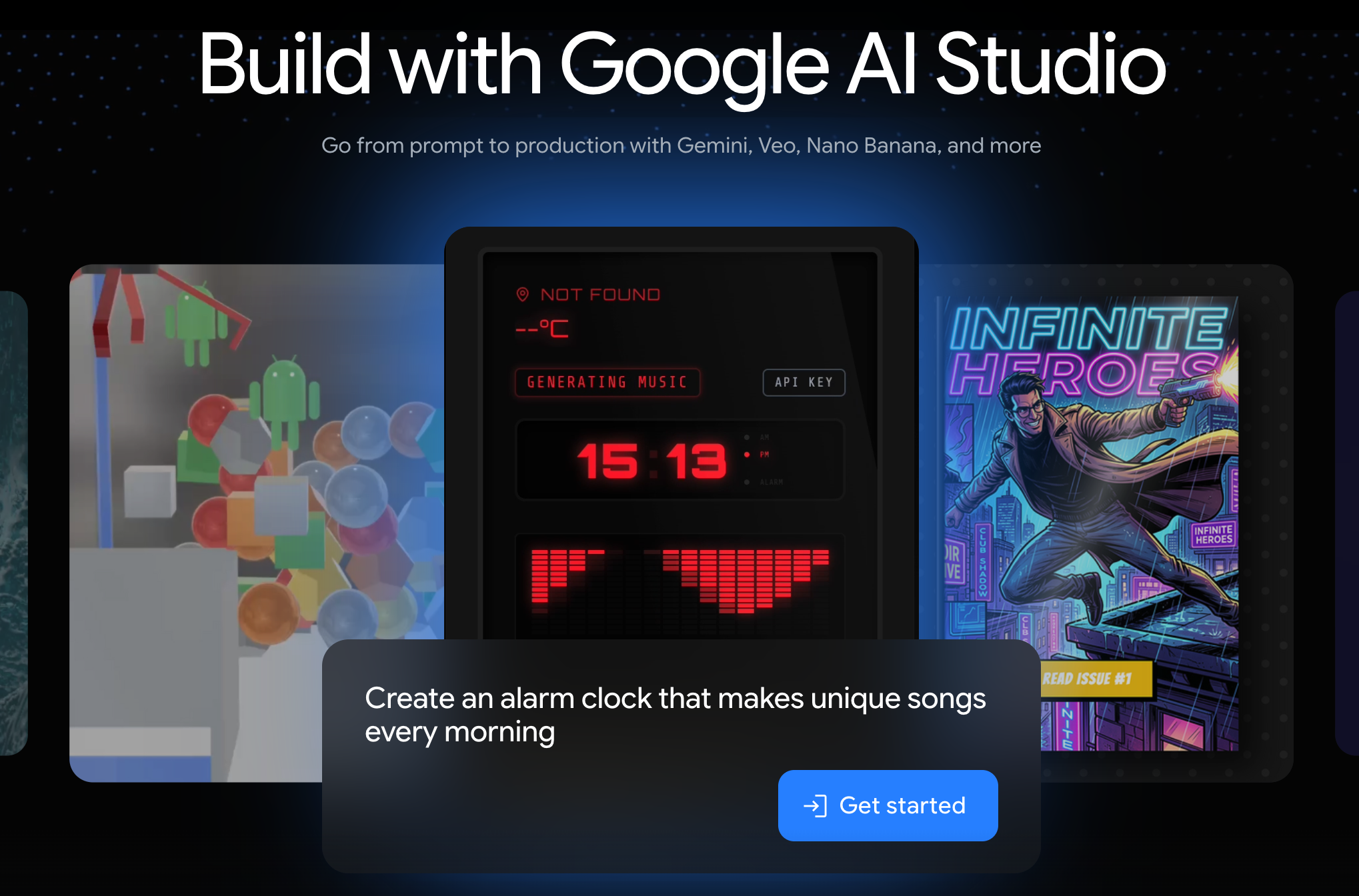
Make something small that is useful for you. Could be a Claude artifact that calculates something specific for your job, a Lovable dashboard that helps organize one annoying part of your week, or a Google AI Studio prototype you can hand off to your engineering team to communicate your vision.

The point isn't to create a user-facing product.It's to make something so you have a better understanding of what AI can do.

Creating something that wouldn't exist without AI makes things click. You see where AI fits, and limitations you had start to fall away.

Building changes how you solve problems and what you think is possible.
 
Want to get your team out of chat mode?Tell me about them. 

Want to do it yourself? Start with free lessons here.
Riley

Written by Riley Beresini

After a decade in marketing strategy and innovation for companies like Disney Parks and Macy's, I started helping teams figure out AI. I began Chasing Next as a newsletter on AI adoption over a year ago, and that evolved into interactive and personalized training, sharing the best of what I learn to help you get ahead.

Stay in the loop

Get new module drops and weekly AI strategy.

Continue reading

New in AI this week  (May 2 - 8)

New in AI this week (May 2 - 8)

New in AI this week (Apr 25 - May 1)

New in AI this week (Apr 25 - May 1)

Your AI training is cooked

Your AI training is cooked