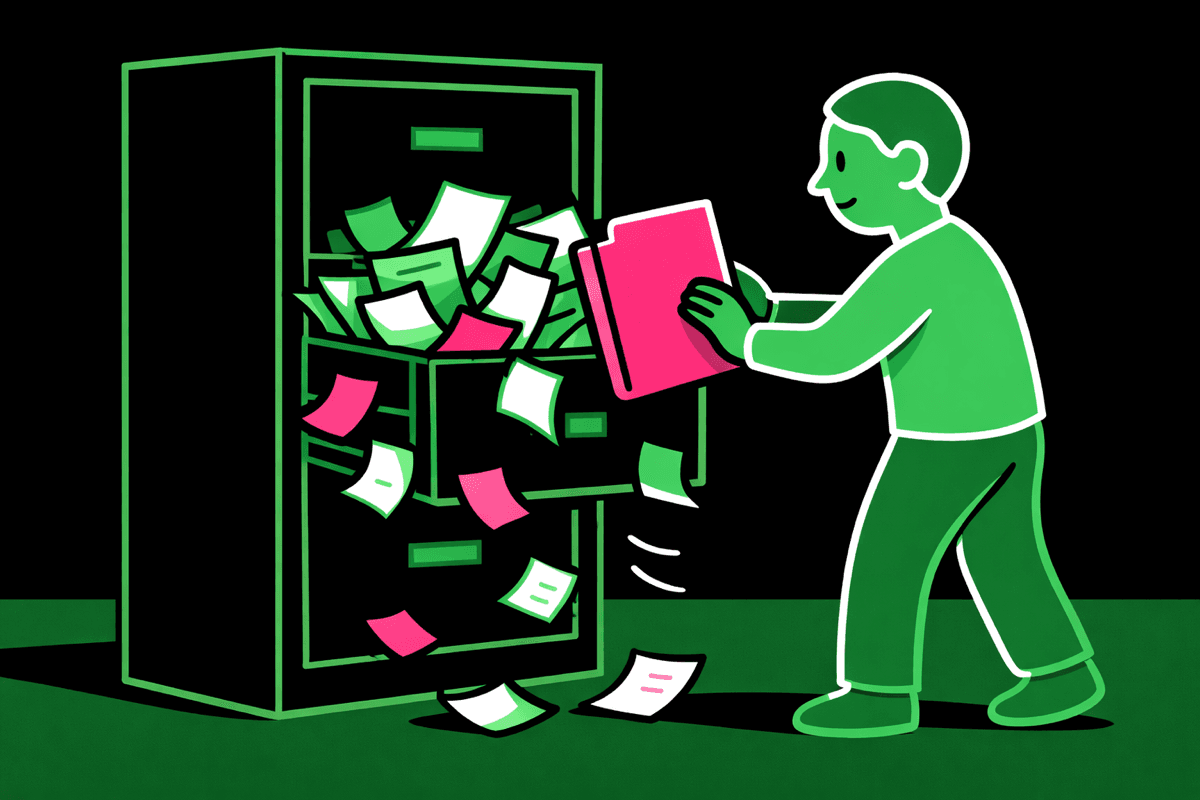
You're 40 messages deep in the same chat.
The convo is getting messy.
AI keeps referencing your random side comment from 10 messages ago.
But you stay in the same window since you've invested 20 minutes already, and switching to a new one feels like starting over.
You think staying in one conversation means building on what you have.
But AI doesn't work like that.
In reality, sunk cost thinking is killing your results.
Its "memory" is filling up with noise.
The longer you build on the chat, the worse the outputs get.
Fresh windows give you fresh thinking.
Why Long Context Windows Deceive You
AI has something called a context window.
It's the amount of conversation history it can "remember" at once.
Today's models have huge context windows, we're talking the ability process one Harry Potter book to the whole series of books in one chat.
The chat just keeps letting you talk.
Back and forth. Over and over.
Getting you thinking: "Great, it's tracking everything."
But the more noise you add, the harder it is for AI to figure out what stuff's important.

It doesn't know that your message from 5 minutes ago is critical and your response from 15 messages ago is irrelevant.
Sure, everything's still technically there.
But it doesn't know what's gold among the clutter.
Overload leads to diluted context, subtle errors, unchecked assumptions, and self-reinforcing results.
Recognize When You Need Fresh Thinking Over Continuity
This is the skill to learn.
Opening a new chat only when you're starting a new topic isn't enough.
Get good at recognizing the moments where a fresh window would give you better results than chugging along in the same convo.
Default to a new window when:
1. When the work changes gears
Going from research to writing? That's a shift worth a reset.
Not a hard rule (sometimes it makes sense to keep going) but often, a clean slate helps the model focus on the new type of work.
2. When you're repeating yourself
If you're re-explaining what you meant three messages ago, the context is too cluttered.
Start a fresh window.
3. When outputs start drifting
If AI starts losing precision, making things up, or contradicting itself.
You've lost focus. Time to reset.
4. When you want a different perspective
Staying in the same chat can lock you into a direction, sometimes self-affirming ideas it should be challenging.
A new window gives you fresh thinking instead of building on assumptions that might lead you astray.
If you really want to get good at AI, start thinking in processes instead of conversations.
This is how you learn to do that.
Breaking Tasks Into Focused Windows
Opening multiple windows can feel like you're losing momentum, but that's not what's happening.
Instead, you're getting strategic.
You're adding focus and saving time by deciding what information moves forward and what's worthy of AI's attention.
Example: Building ad creative
Instead of throwing this into one 50-message conversation, think in focused windows:
- Window 1: Use deep research to identify & condense competitor positioning
- Window 2: Use an AI browser analyze & condense your site positioning
- Window 3: Review condensed research, develop copy concepts
- Window 4: Share copy concepts and create image prompts to pair with them
- Window 5: Paste image prompts to generate images
- Manual step: Use platform like Canva to assemble final copy + image assets
Each window has one job and you control the handoff of information between them.
Every window is also a chance to use the best tool for that specific step.
Maybe you use Gemini 3 for deep research and Claude 4.5 Sonnet for creative writing.
Or you switch between tools like using ChatGPT Atlas browser for live research and ChatGPT canvas for copy editing.
Fresh windows let you pick the best tool for the task instead of forcing one model to do everything.
A word of caution: don't take this as needing to be robotic and overly complicating every task.
If you're working on casual ideation, one long-winded window can work.
Just remember this as a way to improve anything more complex.
Opening new windows will become instinctive once you see the gains of fresh thinking.
Two Prompts to Make This Easy:
The first one helps you plan the workflow upfront.
Use it before you start to help identify which windows you'll need and what to accomplish in each one:
The second prompt helps you move cleanly between windows.
At the end of any window, paste this to create a clean handoff to put into a fresh window for the next step: