Chasing Next
Start for FreeFor TeamsAboutSign In
← Blog
November 9, 2025·2 min read

How to Use Examples Without Confusing AI

Stop uploading everything and hoping for a miracle. Here's what to do instead.

Your AI Advantage WeeklyAI Strategy & Tactics
How to Use Examples Without Confusing AI
Your Advantage This Week · Edition #22

Does this sound familiar?

You're rushing through a deliverable.

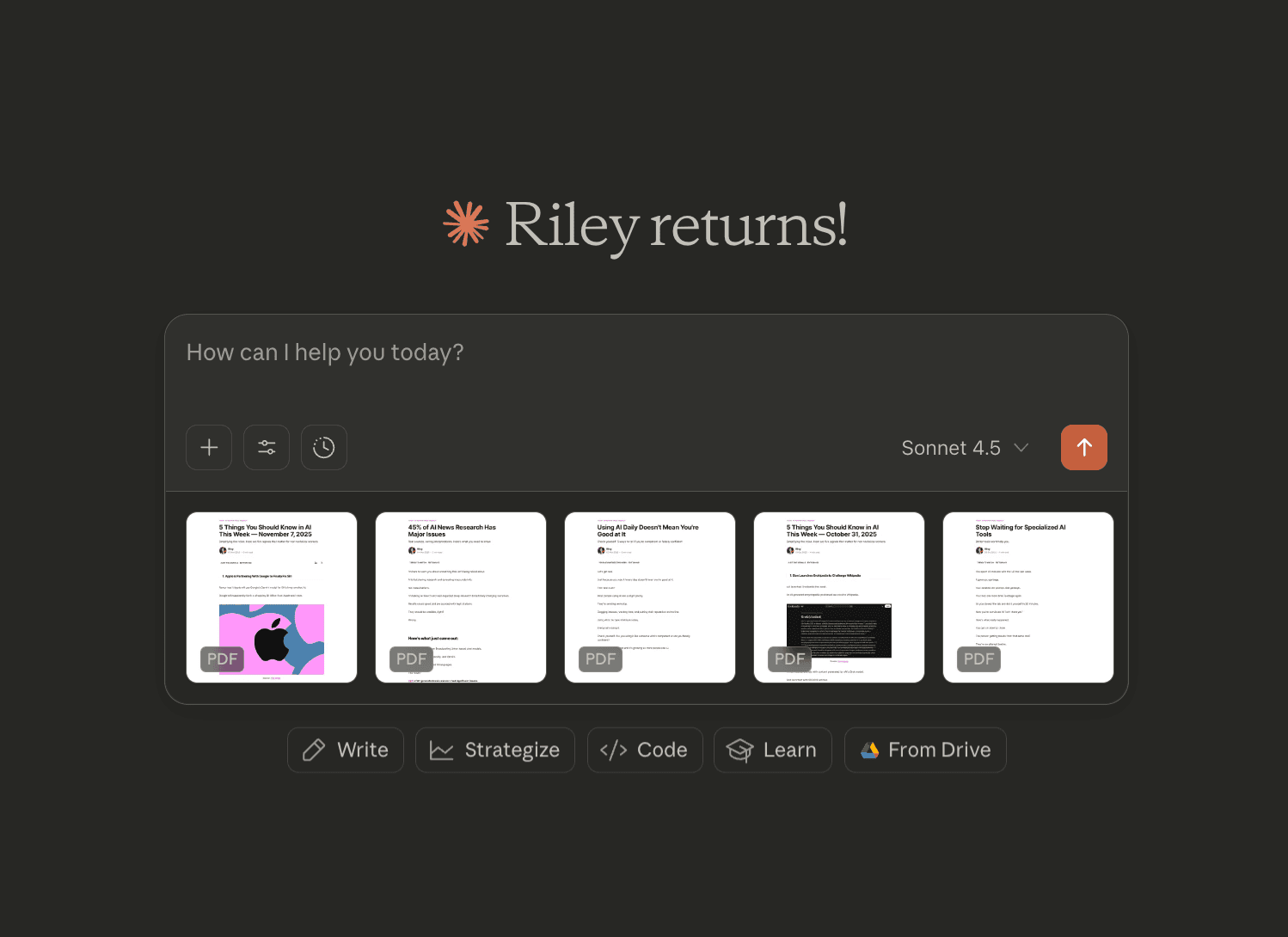
You have customer feedback in three spreadsheets, a survey PDF, last quarter's report, and some meeting notes.

Everything feels relevant, so you drop all of it into your chat window.

"Summarize the key insights and give me recommendations for how to improve."

What comes back?

Surface-level observations and generic suggestions.

It references data that shouldn't carry much weight and is blatantly missing details.

Here's what's happening:

You briefed AI like a person who can figure out what matters.

But AI doesn't have your perspective - it doesn't know that tab 3 has the real data while tab 1 is outdated, or that last quarter's numbers matter more than the survey comments.

So it weighs everything the same and gives you answers based on the wrong priorities.

Quality in = quality out. You have to filter first.


How to Filter Examples for Better Results

1. Curate ruthlessly:

Clean your files before uploading. Remove irrelevant information and trim anything that is noise. If a file has 8 tabs but you only need one, delete the rest or tell AI exactly which tab to use.

Example: You have a sales report with tabs for every region, but you only need LATAM data. Delete the other tabs before uploading, or your prompt will fight with irrelevant information from EMEA and APAC.

2. Add wisely:

Fewer, stronger examples beat a data dump. Include 3-5 well-chosen examples for complex tasks. More than that overwhelms the model.

Example: You're teaching AI your email style. Instead of randomly uploading 15 emails, pick 3 that show different scenarios: one handling a complaint, one delivering bad news, one coordinating a project.

3. Be specific:

Name your files clearly and reference them explicitly in your prompt.

Example: "Using the attached '2025_CustomerSurvey.pdf' and 'Q1_Feedback.xlsx' (Sheet: 'Large Accounts'), identify three recurring complaints and propose improvements."

4. Guide the lens:

Tell AI what each file adds to the task.

Example: "First, read the customer survey to understand their pain points. Then use the support ticket data to quantify how often each issue appears. Finally, cross-reference both to identify which problems affect our highest-value accounts."

5. Check your filter:

After AI responds, ask what it learned from each file. This shows you whether your filter worked or if you're still including noise.

Example: "I've provided you 5 copy examples. What does each one tell you about my writing style? Are they supporting or conflicting with each other? What would you recommend I remove or add?"

Next time you're about to upload everything, stop.

The work you skip upfront doesn't disappear.

It shows up later as mediocre results you have to fix, rewrite, or redo.

Quality in = quality out.

Get updates when new modules drop or a new AI strategy goes live.

Chasing Next

Pick a module. Build something you'll use immediately.

Try a free module or learn how the team experience works.

Get started (free)Bring it to your team

Keep reading

How To Build a Compounding AI Operating System (as a Non-Technical Person)

How To Build a Compounding AI Operating System (as a Non-Technical Person)

13 min read
Being Your Team's "AI Person" Isn't The Win You Think It Is

Being Your Team's "AI Person" Isn't The Win You Think It Is

6 min read
How to Set Up Manus AI Agents in <15 Minutes (For Beginners)

How to Set Up Manus AI Agents in <15 Minutes (For Beginners)

11 min read
Chasing Next

Learn AI by doing.

Start for FreeFor TeamsAboutFAQBlog
Sign UpSign InSupport
2026 Moonswell Marketing LLC·Terms·Privacy·