
Copilot: Set up a notebook
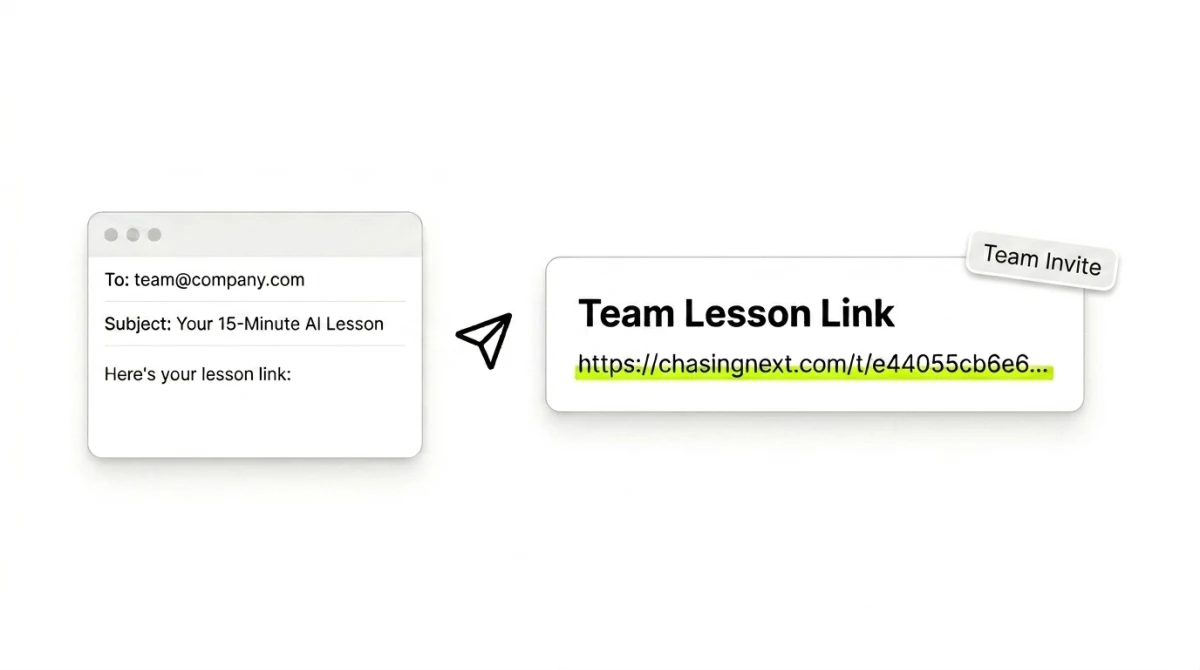
Create a free lesson link and send it to your team. They'll set up a Copilot notebook that helps them do their job better, and you'll see what they make.
Most people use AI for one-off questions whenever something comes up. Copilot notebooks change that by creating a dedicated space for work that repeats. They're an on-ramp to understanding how AI fits into processes, the foundation agent workflows are built on.
This gets your team learning by doing. They'll create a Copilot notebook for their job, guided by an interactive prompt and step-by-step instructions, set up as one of three types:
One place for everything on a topic
Examples
A repeating job, done faster
Examples
Feedback from a specific point of view
Examples
What your team takes away:
Copilot notebooks are a dedicated space that holds three things: standing instructions for how Copilot responds, the references it works from (Word docs, PowerPoint decks, Excel sheets, PDFs, OneNote pages, plus OneDrive files and SharePoint folders), and the chats that build up inside it as the work evolves. Set it up once and every new chat starts with your instructions loaded and access to your references.
Because it pulls straight from the Microsoft 365 files your team already lives in, nobody re-points Copilot at the right docs or re-explains how to respond, and your team starts spotting bigger opportunities for where AI fits in. (Notebooks require a paid Microsoft 365 plan.)
Chasing Next is built around one idea: the best way to learn AI is by building with it. It was started by a marketer who spent 10 years crafting strategies for Disney Parks and Macy's, now deep in AI. It's grounded in how companies work and built to help AI click for your team.
Get personalized, interactive lessons aligned to your team's goals. Managers see what their team builds, and we measure improvement.