
 Anthropicfeature
Claude Cowork in the Chrome Side Panel
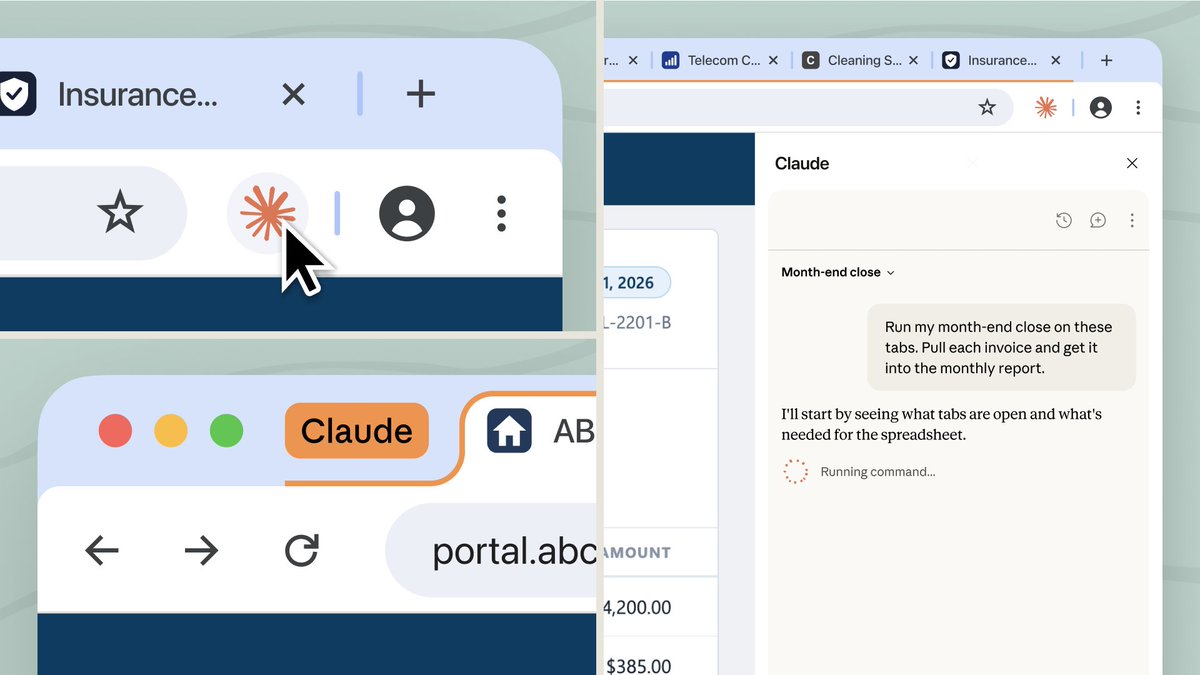
The Claude in Chrome side panel now runs a full Claude Cowork session, so a task you start in a browser tab continues in the desktop, web, and mobile apps.
Details
- Claude can click links, type text, navigate pages, and fill out forms in your browser using the logins you already have
- Conversations save to your history, so a session started in a tab can be picked up later in the desktop, web, or mobile app
- Skills and connectors work inside the extension, which is what lets it reach internal systems, legacy tools, and vendor portals that have no direct Claude integration
- Available on Max and Team now, rolling out to Pro over the coming weeks. On Enterprise it is off by default and admins turn it on, with the option to restrict which domains it can touch
- The desktop app is still required for working with files on your computer, and the side panel does not run on other Chromium browsers or on mobile
- Anthropic flags that instructions hidden inside a web page can trick a browser agent, and offers manual approval before sensitive actions
Best for
Work that starts as browsing and turns into a task: pulling numbers off a vendor portal, filling out a form, checking an internal dashboard, then finishing it somewhere else.
When to use it
You need Claude to act inside a site you are already logged into, instead of copying the page contents into a separate chat.
Who benefits
Marketers and ops people who live in web tools that have no direct Claude integration, like internal dashboards and vendor portals.
Join the newsletter to get ahead with AI.
I share strategies, new modules, free guides, and tools to get you better at using AI in your work.
Leading a team? See team programs →