
 OpenAIfeature
Dots in ChatGPT
Always-on personal agents in ChatGPT that run on their own cloud computer and keep working toward your goals, for Pro, Business Premium, and Enterprise users.
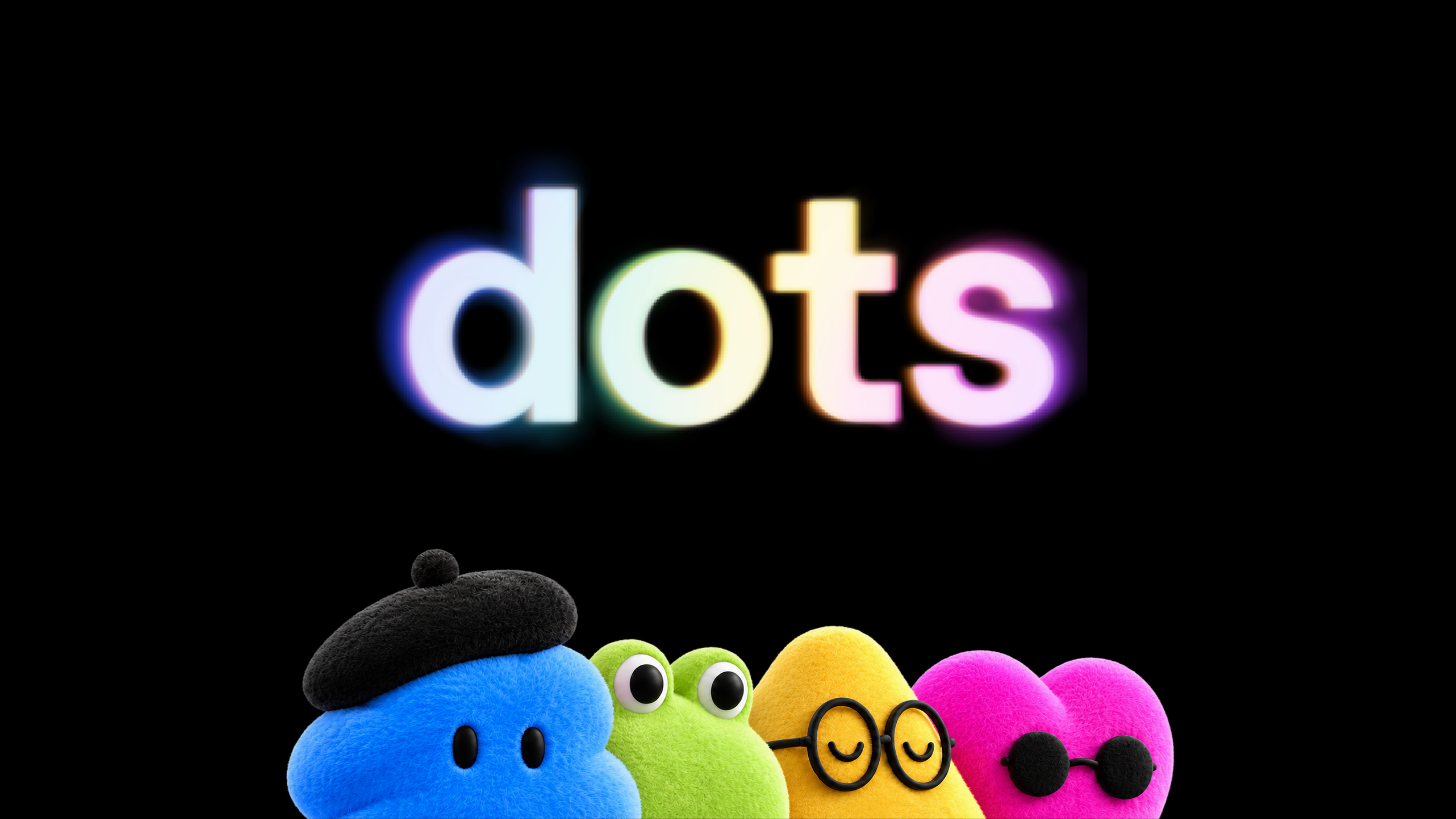
Details
- Each dot runs on GPT-6 Astra with its own cloud computer and browser, and can reach over 4,000 apps through ChatGPT's plugins
- You can message or call your dot in ChatGPT on desktop, web, and mobile, and message it in Slack and Teams; texting is coming later
- When you aren't working with it, a dot looks for ways to help using your connected apps in read-only mode, so background work can't send messages or change content
- Custom Rules let you allow, require approval for, or block specific actions, and an Activity View shows what it's doing; sensitive tasks like changing a password always stay with you
- Your first dot is included in Pro and Business Premium at no extra cost; chatting with it doesn't count toward ChatGPT limits, but tasks it starts in Codex or ChatGPT Work do
- Enterprise, Edu, and Healthcare workspaces can try the beta once an admin turns it on; specialist dots with their own company identity are starting as enterprise pilots
- Setup happens in the ChatGPT desktop app or a desktop browser, after which you can reach it from the mobile app
Best for
Ongoing work that needs follow-through without you directing each step, like keeping launch materials current as scope changes or turning an interview transcript into clips, show notes, and social drafts.
When to use it
You have recurring or long-running projects that stall because nobody has time to chase them between meetings.
Who benefits
Team leads and solo operators on Pro or Business Premium who already connect Slack, email, and docs to ChatGPT.


Join the newsletter to get ahead with AI.
I share strategies, new modules, free guides, and tools to get you better at using AI in your work.
Leading a team? See team programs →