
 Anthropicfeature
Install as App for Claude Artifacts (Beta)
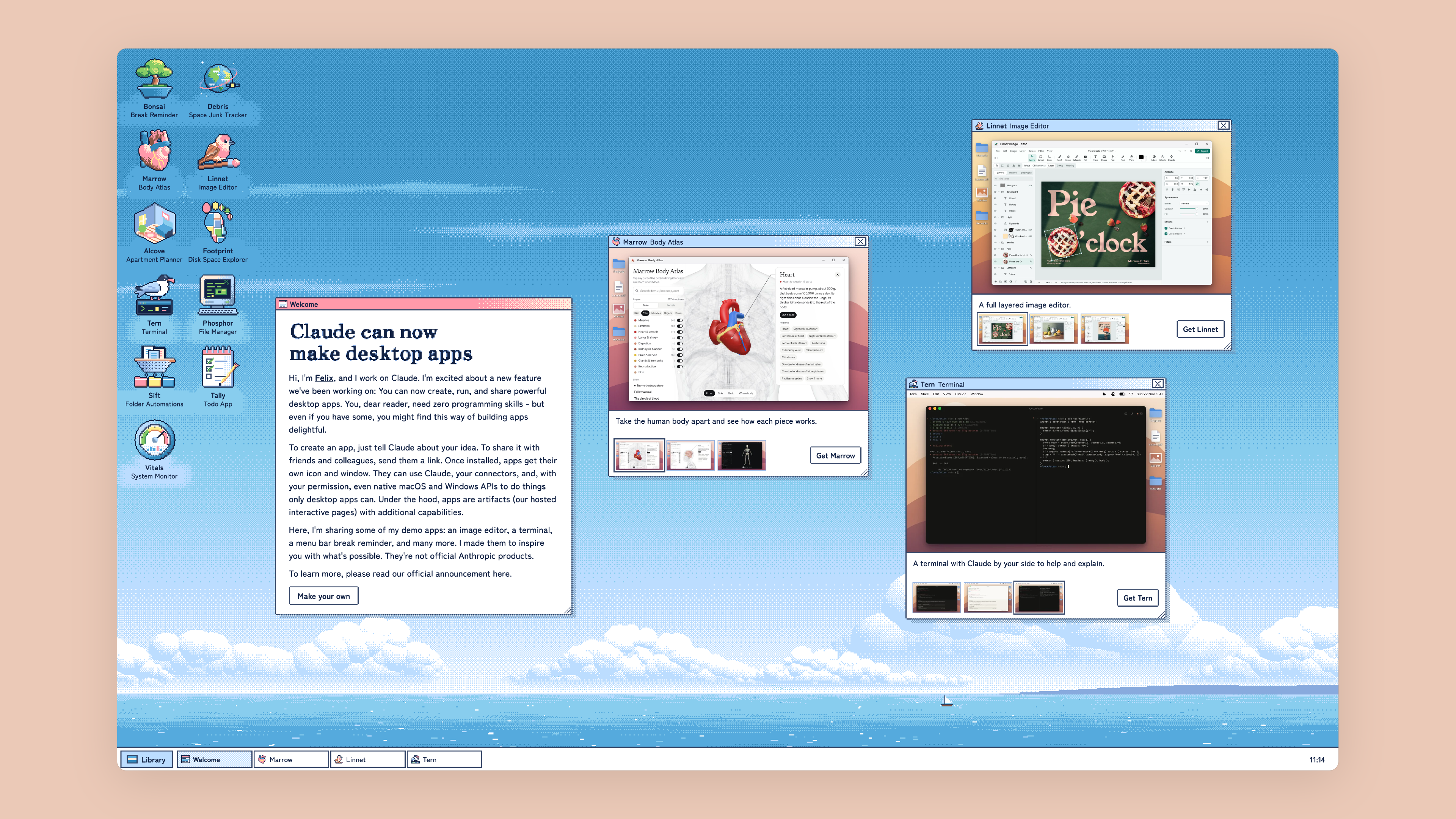
Turn an artifact Claude built into a Mac or Windows app with its own icon and window.
Details
- Click Install as app on an artifact, or pick it from the Share menu. No packaging, signing, API key, or separate login is needed, because the app uses your Claude account.
- Installed apps can send notifications and add items to the menu bar or system tray. They update automatically when the underlying artifact is edited, and can be shared with others.
- Three permission levels: browser-only by default, app permissions (always-on-top windows, global shortcuts, notifications), and full computer access (run programs, read and change files). Permissions reset after each update.
- Only apps you made, or apps made inside your organization on Team and Enterprise, can get full access. Anthropic does not review apps before installation.
- Rolling out on all plans in Claude for Mac and Windows. Team admins get it on with full access off, Enterprise is off until an owner enables it. Not available to HIPAA-ready organizations, and Claude Docs, Slides, and Sheets cannot be installed.
Best for
Small tools you built with Claude that you want to open like any other app, such as a calculator, tracker, or dashboard.
When to use it
You keep reopening the same artifact in a browser tab and want it one click away.
Who benefits
Marketers and ops people who build internal tools with Claude and share them with teammates.
Join the newsletter to get ahead with AI.
I share strategies, new modules, free guides, and tools to get you better at using AI in your work.
Leading a team? See team programs →