A low effort way to stay ahead
A tip I give to people wanting to level up with AI:
Don't try to keep up with every launch. You just need to know enough to reach for a tool, feature, or model when the moment calls for it.
I made something to help you with that. See the latest updates across major platforms at chasingnext.com/updates.
The site is made to be skimmable so you can quickly see what's relevant and filter by the tools you use.
I'll also be sending a weekly email out with the biggest updates. Below is the first one.
See something you want to use? Hit "Request a Lesson." If enough people ask, I'll create an interactive module and email everyone who wanted it.
- Riley
|
This week's top updates
|
|
|
|
FEATURE
Apr 17
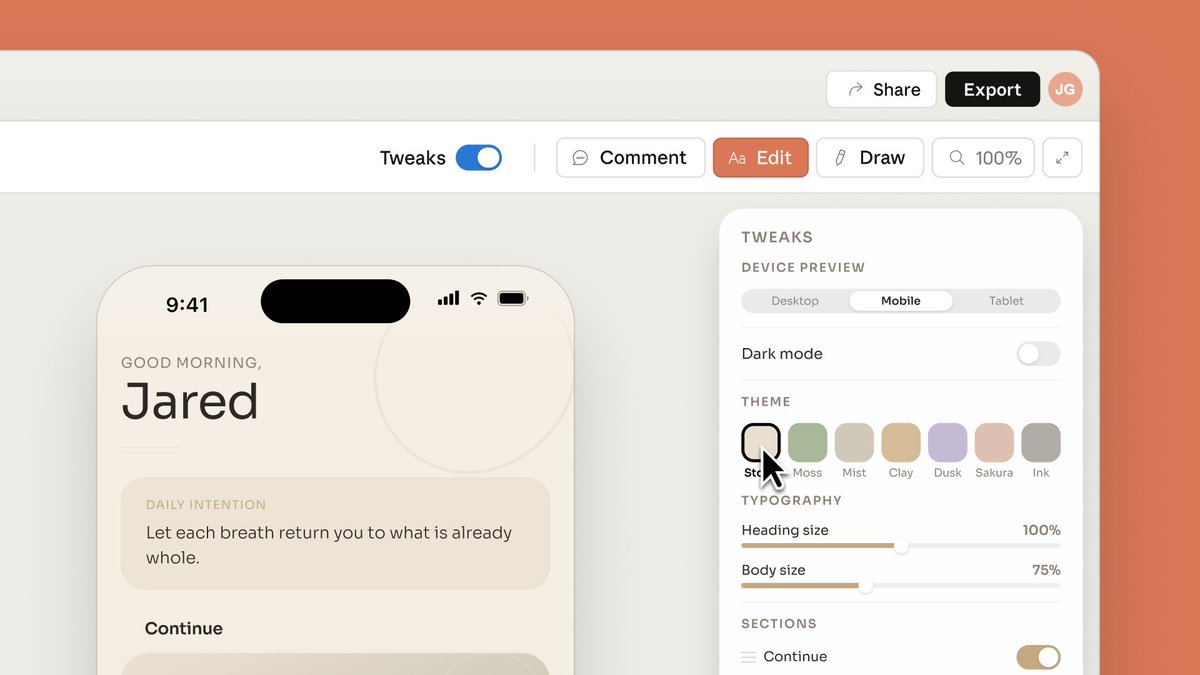
Turn prompts, documents, or linked codebases into prototypes, slides, and one-pagers, for Pro, Max, Team, and Enterprise subscribers.

|
-
Best for: going from an idea to a visual artifact without opening a design tool
-
When to use it: you need an on-brand deck, prototype, or one-pager fast and have source material to point Claude at
-
Who benefits: non-designers on Pro, Max, Team, or Enterprise plans (Enterprise admins must enable it)
|
|
|
FEATURE
Apr 20
Create live dashboards and trackers in Claude Cowork that refresh with live data from your connected apps and files.

|
-
Best for: Teams that need updated status reports and trackers.
-
When to use it: You need a view that stays current without manually pulling data
-
Who benefits: Operators and PMs who use Claude and have live data needs
|
|
|
FEATURE
Apr 23
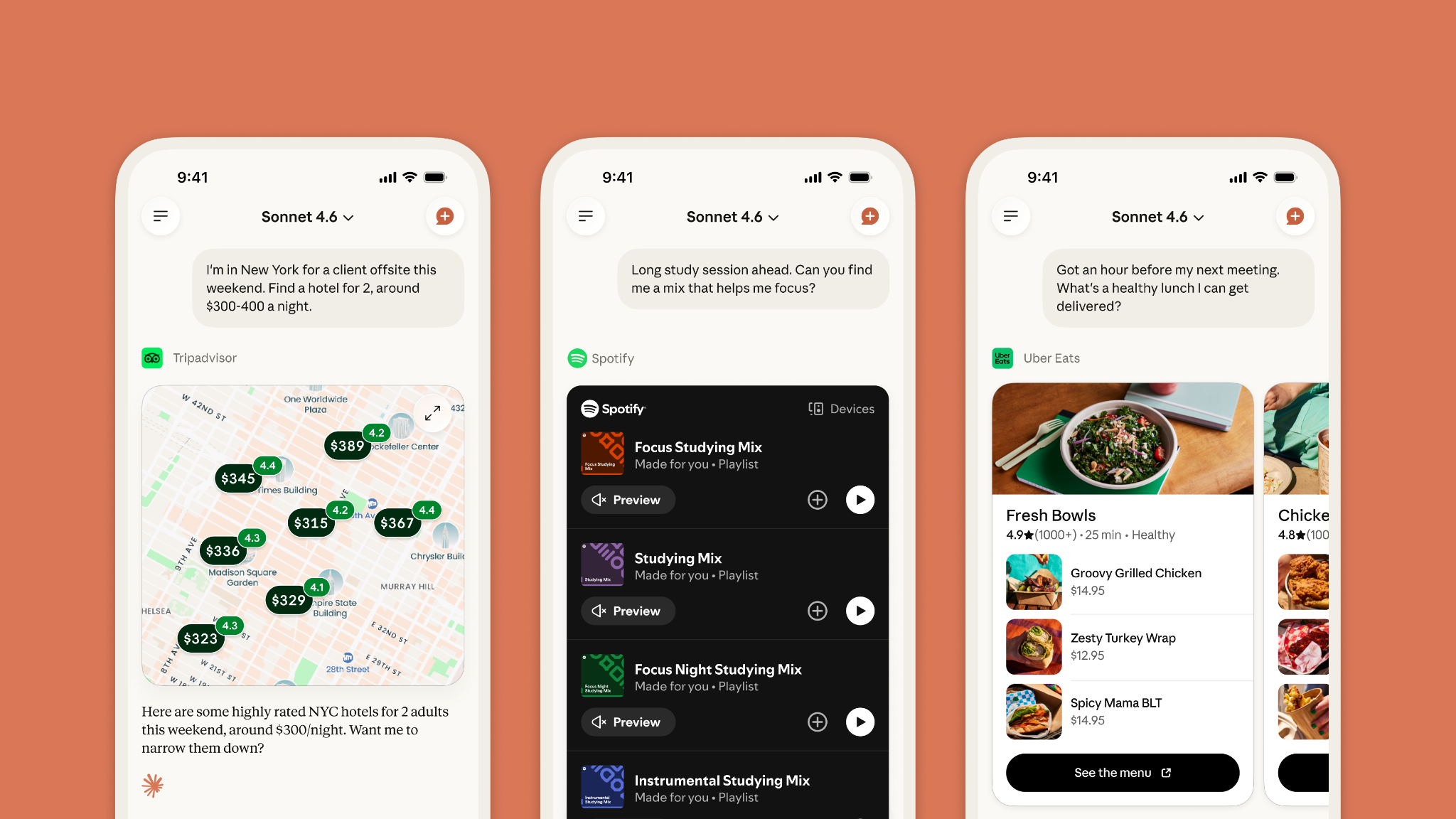
Claude added connectors for personal apps like Tripadvisor, Booking.com, Resy, Instacart, Spotify, Audible, AllTrails, Thumbtack, and Intuit TurboTax.
|
-
Best for: personal planning tasks like trips, reservations, grocery runs, and everyday errands
-
When to use it: you want Claude to pull from or take action in apps you already use
-
Who benefits: Free, Pro, and Max Claude users on web, mobile, and desktop
|
|
|
FEATURE
Apr 22
Claude can now generate interactive charts and diagrams inside Cowork, available in beta on all paid plans.

|
-
Best for: turning research into visual deliverables without switching to a charting tool
-
When to use it: you want a live, interactive chart instead of pasting a screenshot
-
Who benefits: paid Claude users building reports, dashboards, or client-facing summaries
|
|
|
|
|
|
MODEL
Apr 21
OpenAI's new image model for ChatGPT, Codex, and the API with up to 2K resolution and reasoning-based generation.

|
-
Best for: producing finished visuals like slides, infographics, and magazine layouts without hopping into a separate design tool
-
When to use it: you need accurate text, dense compositions, or precise edits that earlier image models mangled
-
Who benefits: marketers, designers, and operators who generate visual assets inside ChatGPT
|
|
|
MODEL
Apr 23
New OpenAI model built for long time-span computer tasks, rolling out in ChatGPT and Codex.
|
-
Best for: multi-step agent work that spans the browser, files, docs, and code
-
When to use it: you need a model that plans, uses tools, and checks its own work across long tasks
-
Who benefits: Plus, Pro, Business, and Enterprise ChatGPT users and paid Codex developers
|
|
|
FEATURE
Apr 22
Handle multi-step workflows across Slack, Linear, Google Docs, and email, available in research preview for Business, Enterprise, Edu, and Teachers plans.

|
-
Best for: teams that want one agent handling a recurring workflow across tools
-
When to use it: a task crosses multiple tools and needs routine approval steps
-
Who benefits: Ops, PM, and support teams on ChatGPT Business, Enterprise, Edu, or Teachers plans
|
|
|
|
|
|
FEATURE
Apr 20
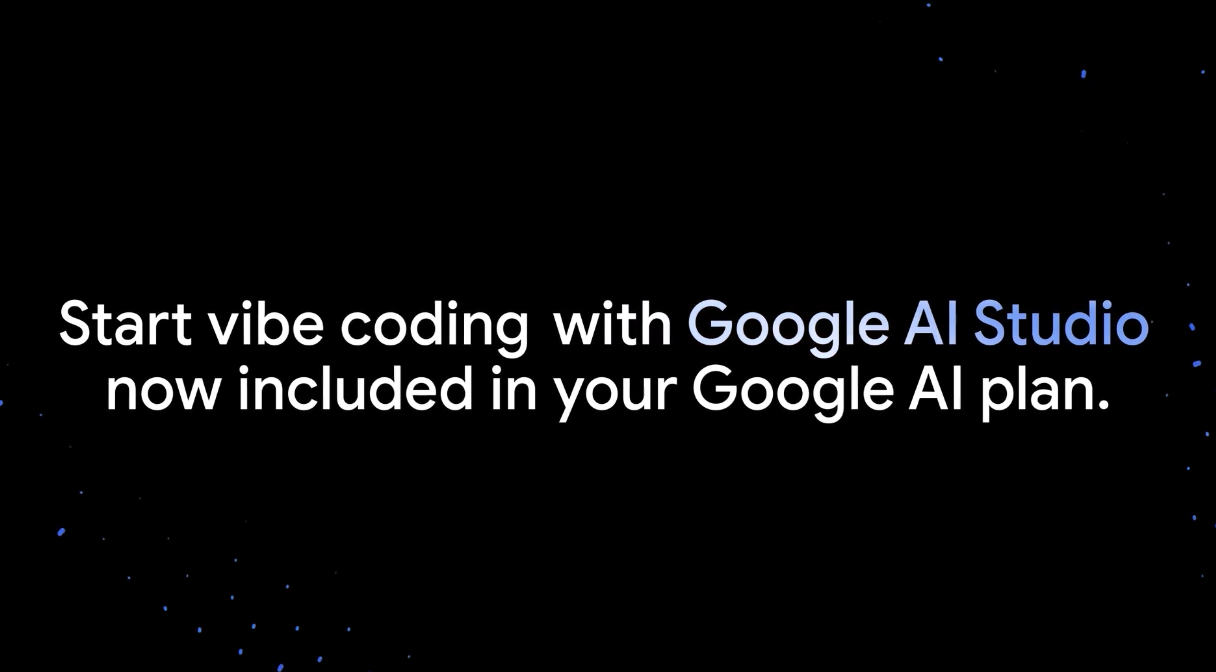
Google AI Pro and Ultra plans now include higher usage limits and access to Nano Banana Pro and Gemini 3 Pro in AI Studio, with no API key required.
|
-
Best for: Prototyping with Gemini's top image and text models without setting up API billing
-
When to use it: You have a Google AI Pro or Ultra subscription and want to test models directly
-
Who benefits: Designers and builders paying for a Gemini consumer subscription
|
|
|
FEATURE
Apr 23
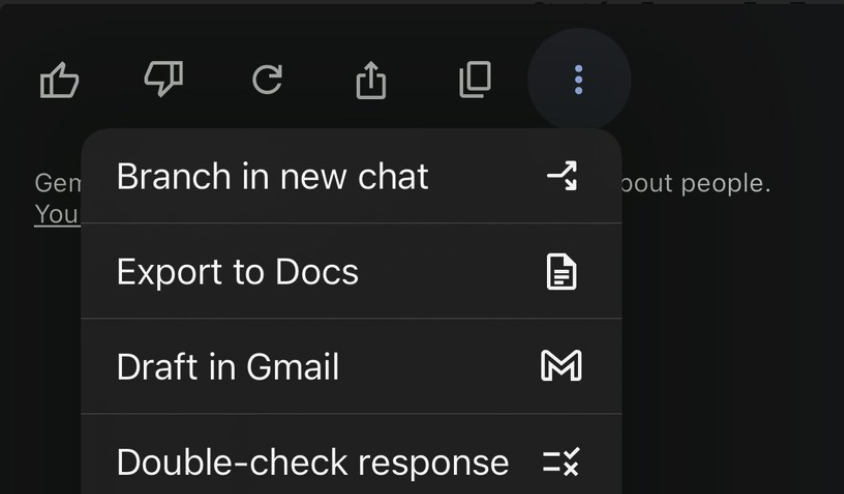
You can now branch a Gemini conversation from any point to explore a different direction without losing the original thread, rolling out to 20 percent of users.
|
-
Best for: long Gemini threads where you want to save your context window discussing part of a topic
-
When to use it: to talk through a single component without losing progress or burning your token limit
-
Who benefits: Gemini users who work in extended sessions and lose context when switching chats
|
|
|
|
|
|
MODEL
Apr 23
Moonshot AI's open-weight Kimi K2.6 model is now selectable for Perplexity Pro and Max subscribers.

|
-
Best for: Perplexity users who want an open-weight alternative to GPT and Claude for search and reasoning queries
-
When to use it: you want to compare Kimi against Perplexity's other model options
-
Who benefits: Pro and Max subscribers exploring different model behaviors inside Perplexity
|
|
|
|
See all updates
|
Learn AI by Doing
|
 |
|
Go from one-off chats to using AI strategically by creating a dedicated space that holds your files, your past work, and how you want Gemini to respond.
|
|
Start this module
|
|
 |
|
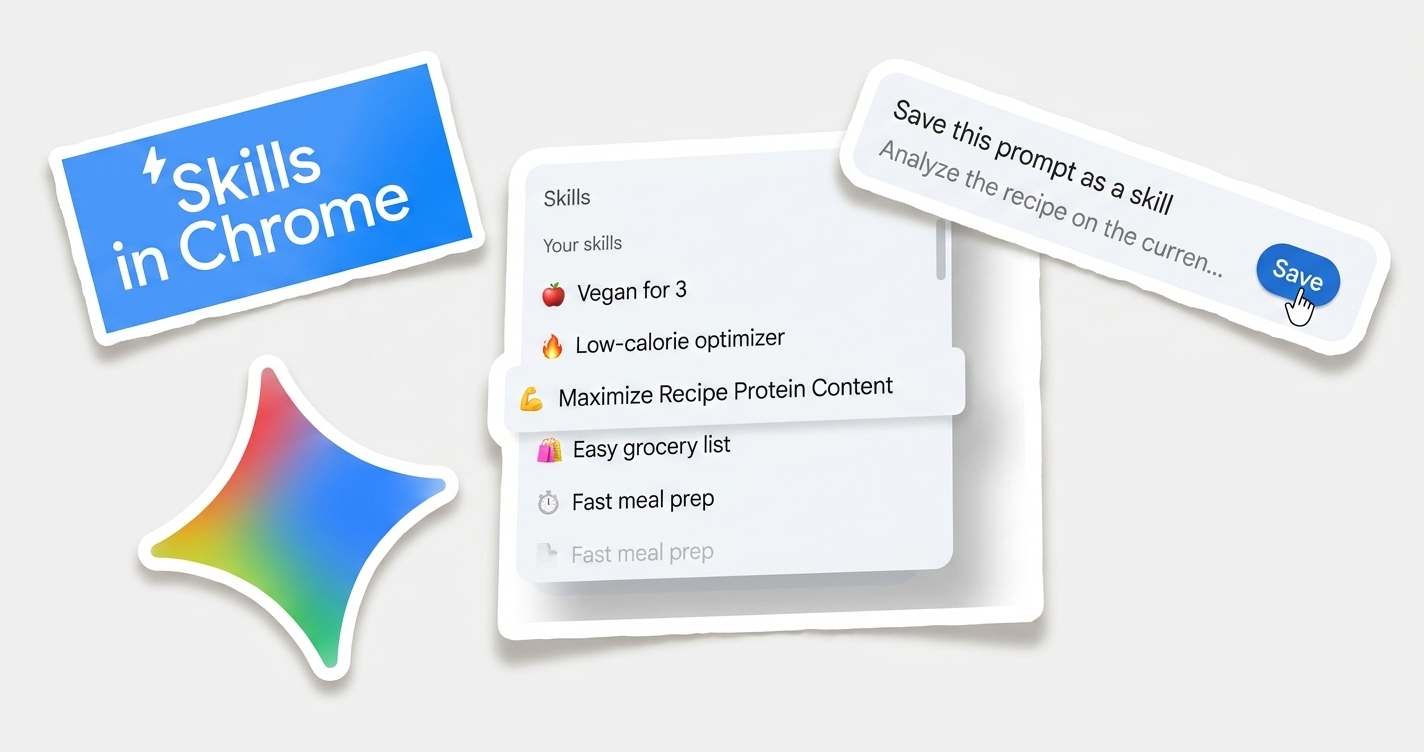
Turn a task you do in your browser regularly into a one-click Gemini-managed workflow.
|
|
Start this module
|
|
|
| See more modules → |
|

 Riley Beresini