One thing worth your click
Lighter drop week than last. Check out what's new below.
In the meantime, if I could recommend one move to help you get
out of chat mode: learn how to use Skills.
For the past six months, the top-performing page on my site has been a guide on setting up Claude Skills. For good reason.
Skills are the easiest way to hand off work to AI. They're like a super-powered prompt that packages instructions and companion resources to complete tasks consistently, without you steering each step (think email copy in your brand voice, a weekly competitive report in your Excel format, a contract reviewed against your standard redlines).
If you use Claude, start with the module below. I also
dropped one on setting up your first Chrome Skill in under 10
minutes.
For ChatGPT users: Skills just rolled out to business and
enterprise plans. I'll add a module on that once it's widely
available.
- Riley
PS: Another big week for AI design tools. The creative process will look very different soon. |
Your easiest move out of chat mode. |
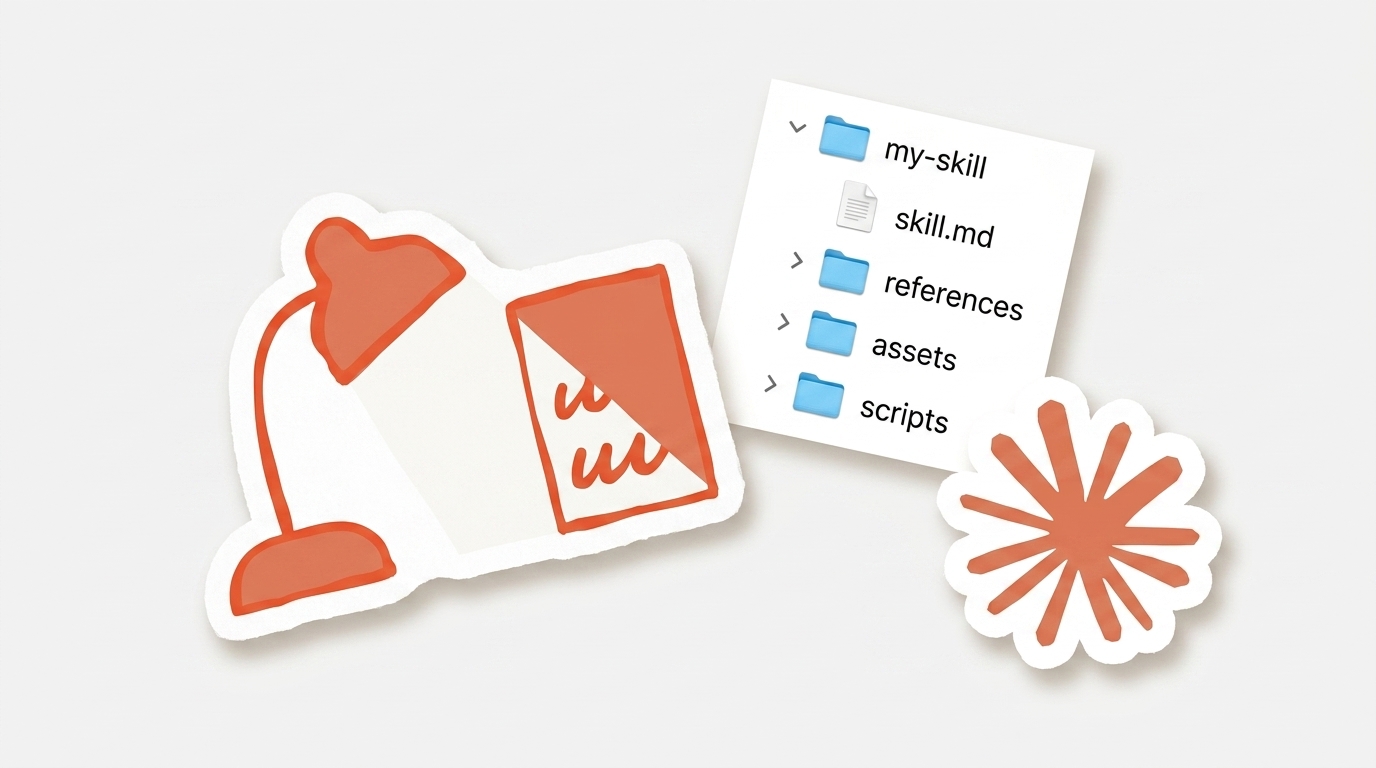 |
Set Up Your First Claude Skill in <15 Minutes
Free·1 lesson·15 min
|
Start lesson → |
|
|
|
|
This week's top updates
|
|
|
|
FEATURE
Apr 29
Gemini can now generate downloadable Docs, Sheets, Slides, and other office files directly inside chat for all users.

|
-
Best for: turning a Gemini chat into a finished document, spreadsheet, or deck without copying and pasting.
-
When to use it: the output needs to leave the chat as a deliverable.
-
Who benefits: marketers, ops, and analysts who move responses into documents manually.
|
|
|
FEATURE
Apr 30
NotebookLM-style notebooks are now available inside the Gemini mobile app for Free and Paid users.

|
-
Best for: querying and summarizing your own source documents on the go
-
When to use it: running notebook-style research and grounded answers from a phone instead of desktop
-
Who benefits: Gemini app users on Free and Paid plans
|
|
|
|
|
|
FEATURE
Apr 28
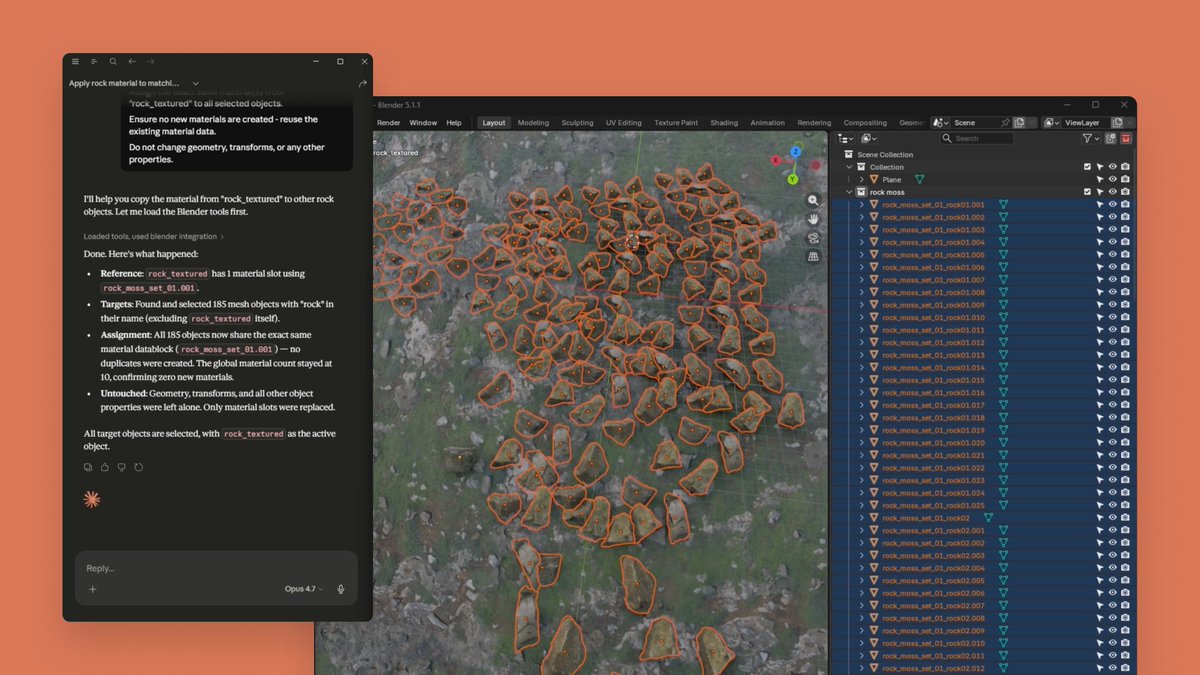
Claude now connects directly to creative apps including Blender, Adobe Creative Cloud, Autodesk Fusion, and Ableton, letting users drive scenes, models, and projects through AI.
|
-
Best for: creative pros who want to drive their tools through chat, especially for repetitive or batch work
-
When to use it: doing production work in Blender, Photoshop, Fusion, or Ableton that could use AI support
-
Who benefits: working designers, 3D modelers, video editors, and music producers, plus students at the partner art schools
|
|
|
|
|
|
FEATURE
Apr 27
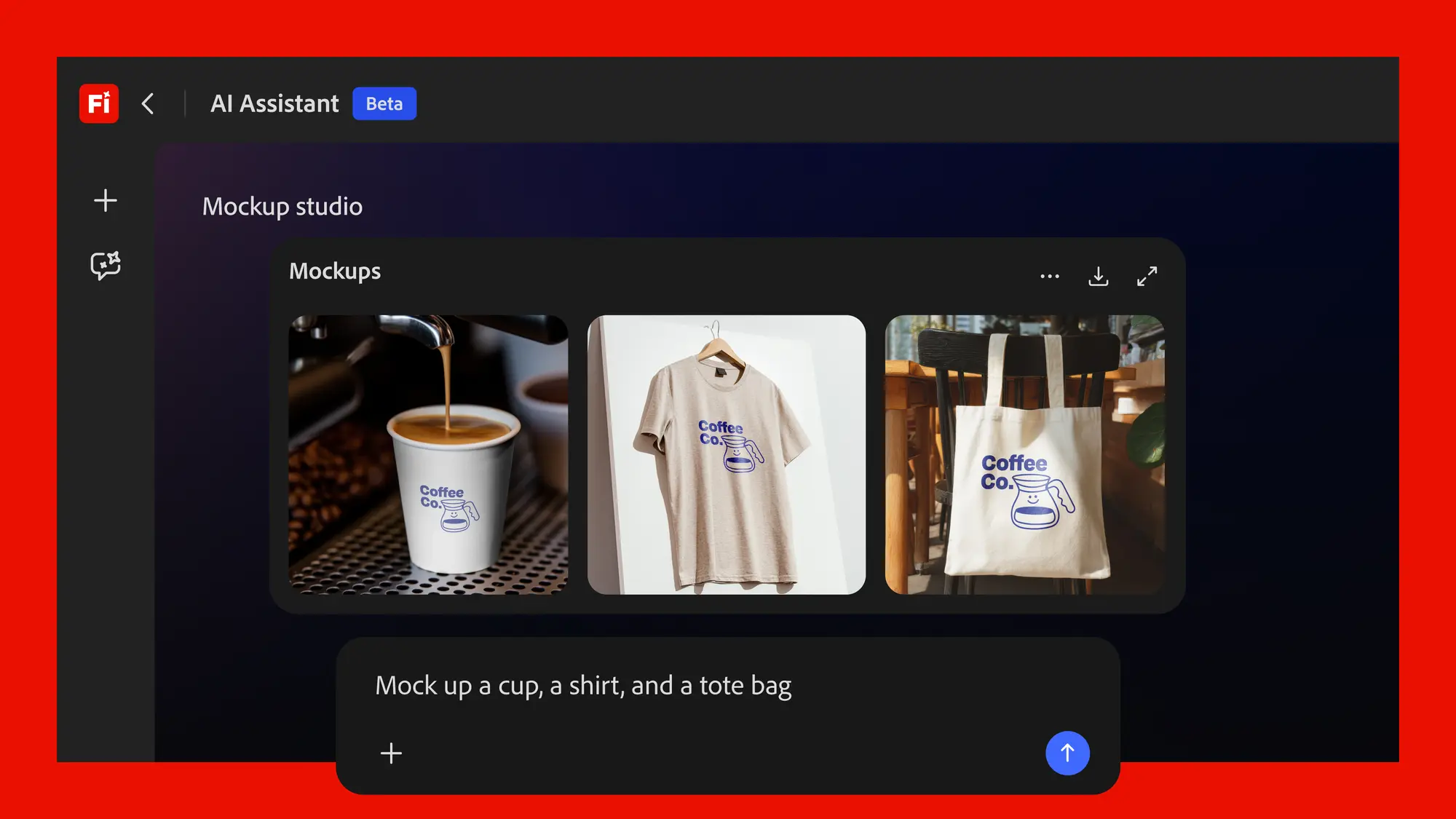
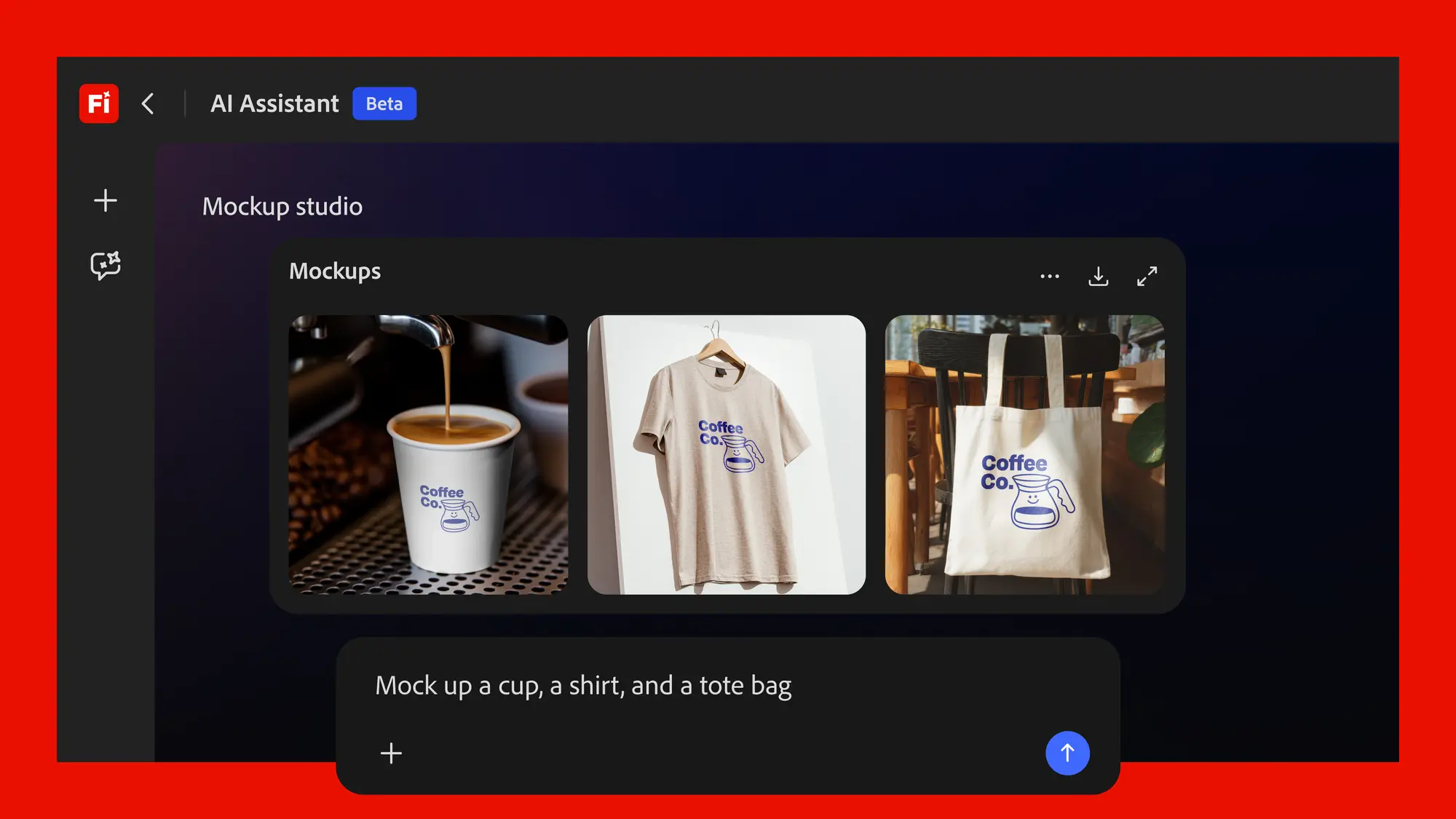
A chat interface inside the Adobe Firefly app that runs multi-step Creative Cloud workflows for paid Firefly and Creative Cloud Pro subscribers.
|
-
Best for: Creative Cloud users who want AI to help execute tasks across Photoshop, Lightroom, Premiere, Illustrator, and Firefly without switching tools manually.
-
When to use it: Running multi-step jobs like generating social media variations, batch photo edits, product mockups, or mood boards from a single prompt.
-
Who benefits: Existing Adobe customers on Creative Cloud Pro, Firefly Pro, Pro Plus, or Premium plans. Not available on free or standard CC plans.
|
|
|
|
See all updates
|
Learn AI by Doing
|
|
|
Learn, step by step, how to use Claude’s Skills feature to save time and deliver consistent results.
|
|
Start this module
|
|
 |
|
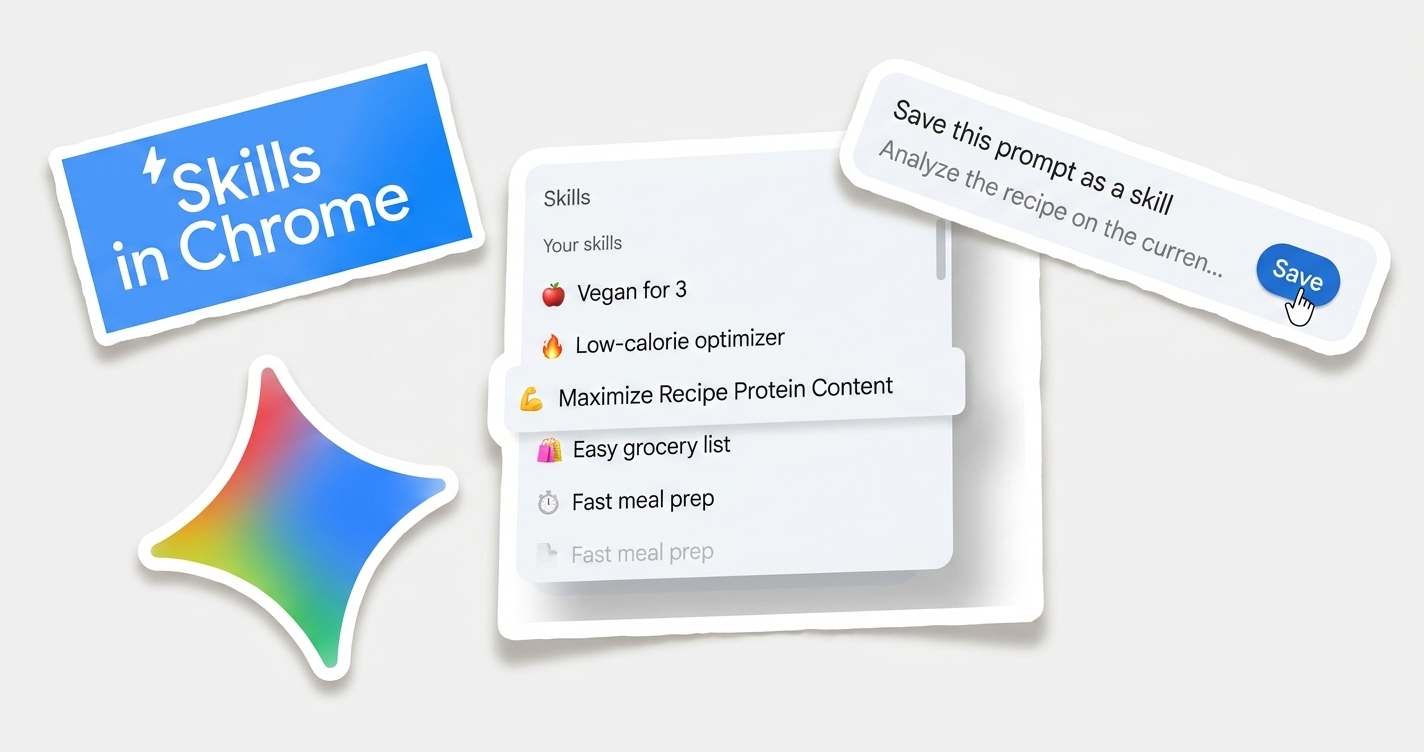
Turn a task you do in your browser regularly into a one-click Gemini-managed workflow.
|
|
Start this module
|
|
|
| See more modules → |
|