Agents are about to get a lot better.
If AI hasn't really impacted your org yet, that's not a sign to relax.
The reason you're not seeing AI everywhere is because implementing this stuff has roadblocks. Some of that is from companies themselves: big orgs are slow, data infrastructure is a mess, no one in-house knows how to build with this yet. And some of it's on AI: agents make stuff up, it's hard to see what they're doing, and the platforms don't have enough bandwidth to help you get going.
This week, some of those AI roadblocks started giving. Anthropic dropped agents that create memories, check, and fix their own work (they're finishing 6x more tasks). Microsoft rolled out Agent 365 to everyone, which basically gives agents their own company login like regular employees, so IT can see what they're up to and pull the plug if something goes off the rails.
That's not all. Anthropic and OpenAI both spun up service arms (with $1.5B and $4B behind them) to help companies use this stuff.
With AI roadblocks starting to clear, organizational ones will be even harder to ignore.
Agents take more work to set up, but fewer people to run. Once they get going, you'll see who's been using AI. The safe bet is to make yourself capable now. And if your org is talking agents, do everything you can to get in on those convos (even if you don't feel ready).
- Riley
|
This week's top updates
|
|
|
|
FEATURE
May 7
Claude's add-ins for Excel, PowerPoint, and Word are generally available on all paid plans and now share full context across the three apps. Plus a new Outlook add-in launches in public beta.

|
-
Best for: marketers and analysts who already live in Office and want Claude alongside their files instead of pasting back and forth
-
When to use it: drafting in Word from numbers in Excel, then turning the result into a deck in PowerPoint without re-explaining the work
-
Who benefits: paid Claude users (Pro, Max, Team, Enterprise) on Microsoft 365
|
|
|
FEATURE
May 6
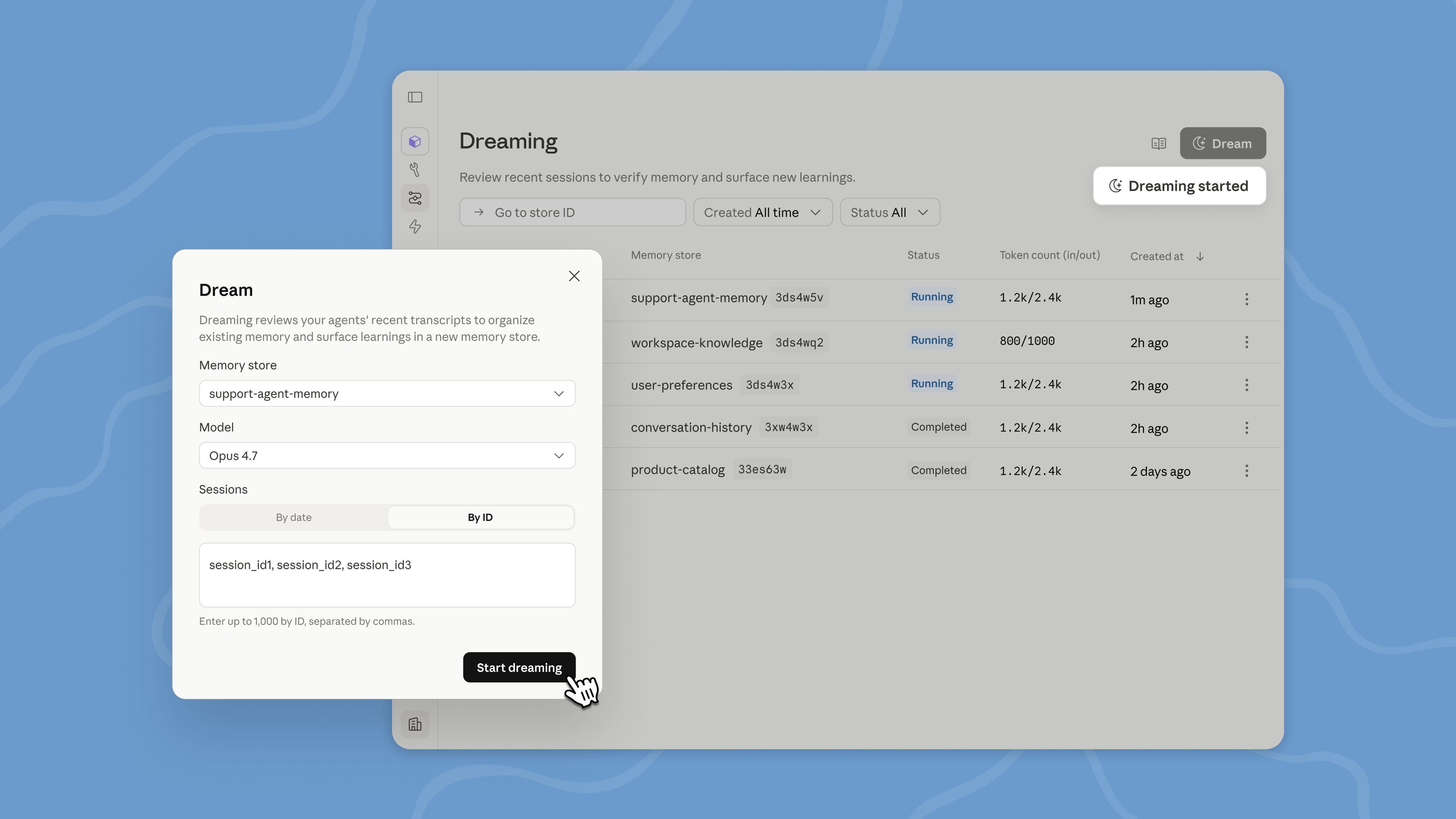
New capabilities for Anthropic's Managed Agents platform: scheduled self-improvement, rubric-based self-correction, and lead-agent delegation to parallel subagents.

|
-
Best for: developers building production Claude agents that need to self-correct, run long jobs, or coordinate parallel work
-
When to use it: shipping an agent where reliability and measurable success criteria matter more than chat-style back-and-forth
-
Who benefits: developers on the Claude Platform building with Managed Agents (Outcomes and Multiagent in public beta; Dreaming requires research preview access)
|
|
|
PRICING
May 6
Doubled Claude Code rate limits and higher Claude Opus API throughput, backed by a SpaceX Colossus 1 compute deal.
|
|
-
Best for: Claude Code and Claude API users who hit the five-hour rate ceiling on long sessions
-
When to use it: extended coding runs and high-throughput Opus calls that previously hit caps
-
Who benefits: Pro, Max, Team, and Enterprise plan users plus API customers
|
|
|
|
|
|
MODEL
May 5
New default ChatGPT model with fewer hallucinations, shorter responses.
|
|
-
Best for: everyday ChatGPT use where accuracy and concise answers matter
-
When to use it: fact-sensitive prompts in medicine, law, finance, or any task where ChatGPT used to ramble
-
Who benefits: all ChatGPT users
|
|
|
FEATURE
May 7
OpenAI's coding agent now works inside Chrome on macOS and Windows, running tasks across tabs in the background using the user's signed-in browser state.

|
-
Best for: agent tasks that need a logged-in website (LinkedIn, Salesforce, Gmail, internal tools)
-
When to use it: a job needs a signed-in app the agent cannot reach via plugins or API
-
Who benefits: developers and power users already running Codex who want it to drive their browser
|
|
|
|
|
|
FEATURE
May 1
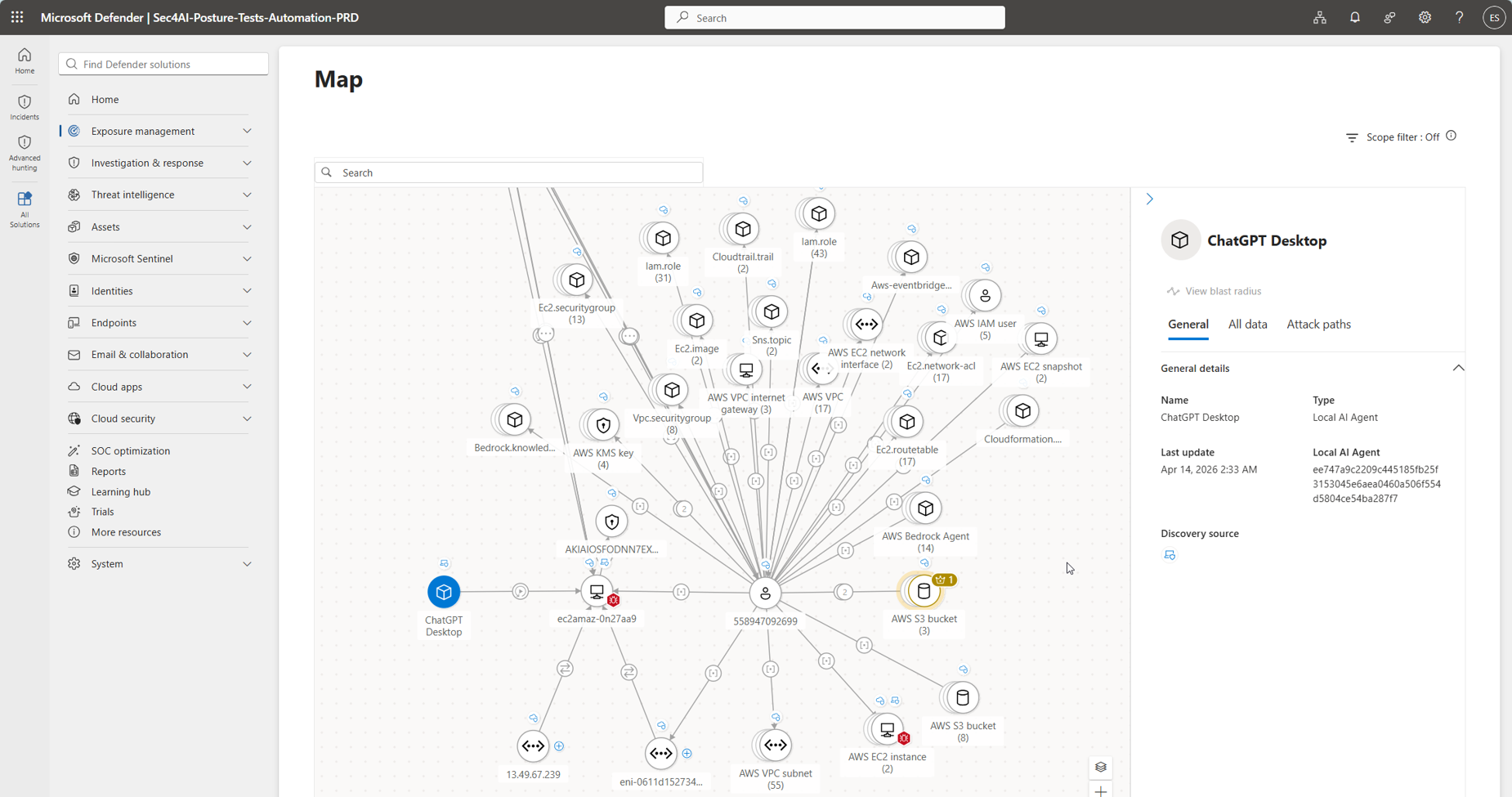
Microsoft's new dashboard lets companies treat AI agents like employees: each agent gets a login, IT can see exactly what it is doing, and they can shut it down if it misbehaves.
|
-
Best for: Marketing, ops, and other business teams whose AI agent ideas keep getting stuck in IT approval.
-
When to use it: Your company runs on Microsoft and IT is blocking AI rollouts because they cannot see who is using what or what data those agents touch.
-
Who benefits: Anyone trying to roll out AI inside a Microsoft-stack company.
|
|
|
FEATURE
May 5
Microsoft Edge for Business shows contextual prompts for asking Microsoft 365 Copilot Chat to summarize the open webpage.
|
|
-
Best for: Edge for Business users who want one-click page summarization without opening Copilot manually
-
When to use it: skimming a long article or research page and you want a quick summary in Copilot Chat
-
Who benefits: knowledge workers in Edge for Business who already use Microsoft 365 Copilot Chat
|
|
|
|
|
|
FEATURE
May 7
Perplexity's AI agent for Mac is out of waitlist. Pro and Max subscribers can now run it across local files, native Mac apps, and the web from a new Mac app.

|
-
Best for: Mac users who want an always-on agent that can act on local files and native apps, not just the web
-
When to use it: a workflow needs the agent to touch native Mac apps or local files alongside web tasks
-
Who benefits: Perplexity Pro and Max subscribers on macOS
|
|
|
|
See all updates
|
Learn AI by Doing
|
 |
|
People getting the most from AI are using this system, where AI finds the info it needs and gets better the more they use it. Build yours now, no experience needed.
|
|
Start this module
|
|
 |
|
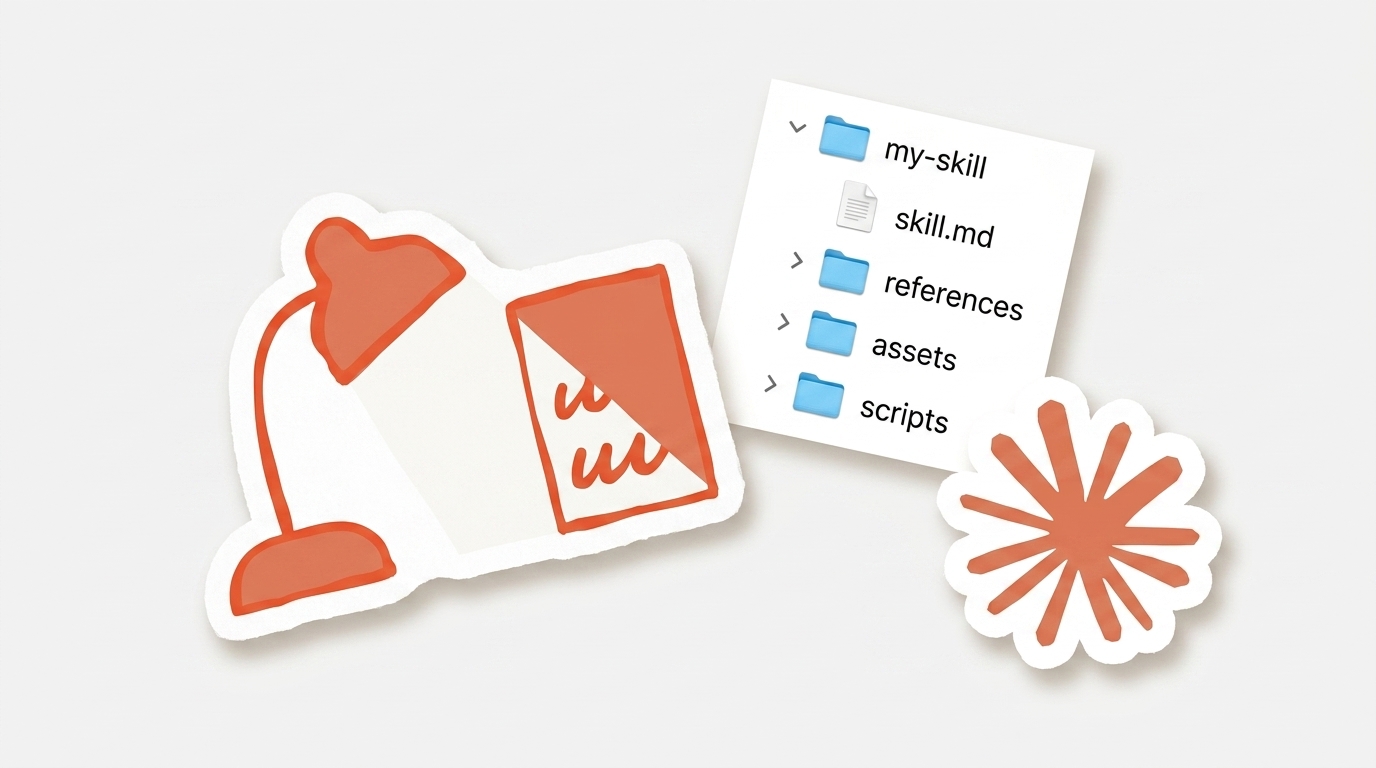
Learn, step by step, how to use Claude’s Skills feature to save time and deliver consistent results.
|
|
Start this module
|
|
|
| See more modules → |
|