






 Microsoft Copilotfeature
Apps in Copilot Studio (Preview)
Describe a business app in plain language and Copilot Studio drafts it for you to preview and refine by chatting. Public preview.

- Best for: Giving a process a simple front end, like an intake form or a tracker, next to the agents and workflows that run it.
- When to use it: Your team needs a screen people can use, not only a chat, and nobody wants to build it in code from scratch.
- Who benefits: Makers and ops leads who already automate processes in Copilot Studio.
 Anthropicpricing
Claude Sonnet 5.5 Cache Read Price Cut
Anthropic halved the API price of cached input on Claude Sonnet 5.5, for developers paying per token on the Claude Platform.
- Best for: Agents and apps that resend the same long instructions or documents on every call.
- When to use it: Your Sonnet 5.5 bill is mostly repeated context, such as a big system prompt or a shared reference file.
- Who benefits: Developers and teams running Sonnet 5.5 through the API at volume.
AnthropicpricingMonthly API Credits for Claude Max and Team Plans
Claude Max and Team subscriptions now include a monthly credit for building your own apps and agents on the Claude API.
- Best for: Trying out your own Claude-powered automations without opening a separate pay-as-you-go API budget.
- When to use it: You already pay for Max or Team and want to build a small agent or script that calls Claude directly.
- Who benefits: Marketers and ops leads on Max or Team plans who have been curious about the API but couldn't justify a new line item.
 SpaceXAImodel
Grok 4.7 on Microsoft Foundry
SpaceXAI's Grok 4.7 model can now be deployed through Microsoft Foundry, for teams that build on Azure.

- Best for: Running Grok 4.7 for coding and long knowledge-work tasks inside an existing Azure setup.
- When to use it: Your company's security and billing already run through Azure and you want to test Grok without a separate vendor contract.
- Who benefits: IT and engineering teams at Microsoft-standardized companies building internal AI tools.
 OpenAIapi
Decisions API (Public Beta)
OpenAI's endpoint for fast yes/no, multiple-choice, and scored answers about text and images is now open to all developers.
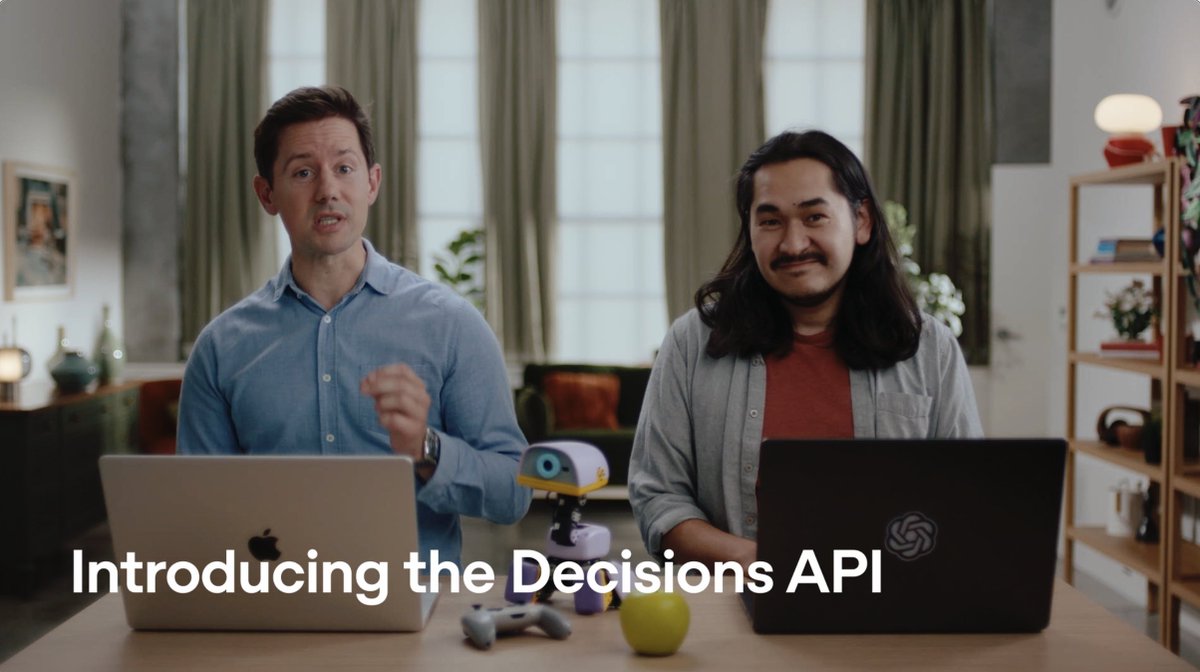
- Best for: Sorting, routing, and scoring high volumes of inputs, like tagging support tickets or flagging off-brand product images.
- When to use it: You need a quick, structured answer to a fixed question, not a written response.
- Who benefits: Developers building routing, moderation, or triage into marketing and support tools.
OpenAIpricingSimplified OpenAI API Usage Tiers
OpenAI cut its paid API tiers from five to three, and the top tier now unlocks at $500 in total spend instead of $1,000.
- Best for: Teams whose AI tools hit OpenAI's request caps during busy runs.
- When to use it: Check your organization's new tier before planning a bulk job or a launch that leans on the API.
- Who benefits: Small teams and early-stage builders who could not justify $1,000 in spend to reach the highest limits.
AnthropicfeatureClaude for Google Workspace (Beta)
Claude now works in a sidebar inside Google Docs, Sheets, and Slides, and can open and edit Google files from a Claude chat, for paid Claude plans.
- Best for: Editing a draft, building out a spreadsheet, or adding slides to a deck without copying content back and forth between Claude and Google.
- When to use it: Your team's working files live in Google Workspace and you keep pasting them into Claude and back out again.
- Who benefits: Marketing and ops teams that run on Google Workspace and already pay for Claude Team or Enterprise.
 Perplexitymodel
pplx-decider v1.1
Perplexity's updated open model for picking the right label or route for a request, at half the price of v1, for developers using the Decisions API.
- Best for: Sorting incoming requests or messages into fixed categories, like sending a ticket to billing, support, or sales.
- When to use it: You classify inputs with a general chat model today and want a cheaper model built only for that choice.
- Who benefits: Developers building triage, routing, or tagging into support and ops workflows.
 Googlemodel
EmbeddingGemma 2
Google's small open model that makes text, images, audio, and video searchable on a phone or laptop, for developers building on-device search.
- Best for: Building search that finds a video clip, audio recording, or image from a plain-text query, all on the user's own device.
- When to use it: Your app needs to search mixed media without sending files to a server, for privacy or offline use.
- Who benefits: App developers adding private or offline search and retrieval to mobile and desktop products.
Microsoft CopilotfeatureCowork Adoption and Impact in Copilot Analytics
Admins and analysts can now see and export how much their organization uses Copilot Cowork and what it costs in credits.
- Best for: Reporting on AI adoption and spend to leadership.
- When to use it: You need numbers on Cowork usage to justify licenses, credits, or training.
- Who benefits: Marketing ops leads and IT admins who own the Copilot rollout and budget.
Microsoft CopilotfeatureSharePoint and OneDrive File References in Copilot for PowerPoint
On Mac, Copilot in PowerPoint can now find a SharePoint or OneDrive file you name in your prompt and build slides from it.
- Best for: Turning an existing report, brief, or research doc into a deck.
- When to use it: The source file already lives in SharePoint or OneDrive and you would rather name it than hunt for it and attach it.
- Who benefits: Mac-based marketers who build decks from campaign results and planning docs.
Microsoft CopilotfeatureRegenerate and Switch Model in Copilot Chat
Microsoft 365 Copilot Chat on the web can now redo its last answer, or rerun it on a different AI model, without retyping the prompt.
- Best for: Getting a second version of a draft, summary, or answer to compare.
- When to use it: The first answer missed the mark and you want another try, or a second opinion from a different model.
- Who benefits: Anyone writing or researching in Copilot Chat who iterates on outputs.
Microsoft CopilotfeatureChat Built Into Microsoft 365 Copilot Search
Microsoft 365 Copilot Search now has chat inside the results, so you can ask follow-ups and draft content without switching to a separate chat.
- Best for: Turning a search for internal docs into a summary or draft in one place.
- When to use it: You found the right files and want to ask questions across them or write something from them right away.
- Who benefits: Marketers who dig through SharePoint and Teams for briefs, past campaigns, and reporting.
GooglemodelNano Banana 2.1
Google's updated fast image generation and editing model, now generally available in the Gemini API and replacing Nano Banana 2 for developers.
- Best for: Generating and editing images where text inside the image, consistent characters across edits, or very wide formats matter.
- When to use it: You build on Nano Banana 2 in the Gemini API and need to move before it shuts down on October 29.
- Who benefits: Developers and creative ops teams producing ad variants, banners, and branded images through the API.
OpenAIfeatureText Watermarking in ChatGPT, Codex, and the API
OpenAI is adding an invisible marker to AI-generated text, rolling out for ChatGPT and Codex in the EU and available as an opt-in for API customers worldwide.
- Best for: Knowing whether text you publish or receive can later be flagged as written by an OpenAI model.
- When to use it: You publish ChatGPT- or Codex-drafted copy in the EU, or you build on the API and need to show provenance for compliance.
- Who benefits: Content and compliance leads publishing AI-assisted copy in Europe, plus developers who have to meet EU AI Act labeling rules.
 Metafeature
Muse Gadgets
Open-source kits for building your own hardware that talks to Muse, Meta's personal AI agent, for hobbyists and developers comfortable with Raspberry Pi or ESP32 boards.
- Best for: Wiring Muse into physical things like displays, buttons, sensors, and smart home devices
- When to use it: You want Muse on a screen, a button, or a device in the room instead of only inside an app
- Who benefits: Makers and developers who tinker with low-cost boards. Most business users can skip this one
SpaceXAIfeatureAgent Dashboard in Grok Build
One full-screen view of every Grok Build coding session, for Grok Build users running several agents at once.

- Best for: Running several coding agents in parallel and seeing which one needs you
- When to use it: You have more than one Grok Build session going and keep losing track of which is stuck
- Who benefits: Developers and technical marketers running parallel agent work in Grok Build
SpaceXAImodelGrok 4.7 on Gemini Enterprise Agent Platform (Preview)
Grok 4.7 is now available in preview inside Google Cloud's Gemini Enterprise Agent Platform (formerly Vertex AI), for Google Cloud customers.
- Best for: Using Grok 4.7 inside Google Cloud without a separate SpaceXAI account
- When to use it: Your company already builds agents on Google Cloud and wants to test Grok 4.7 next to Gemini
- Who benefits: Teams whose IT or data group standardizes on Google Cloud
GooglefeatureGuided Vision in Gemini Live
A Gemini Live mode on Android that describes what your camera sees out loud and tells you how to move the phone to get a better view.

- Best for: Getting spoken help with things that are hard to see, like fine print, labels, or a specific item on a shelf.
- When to use it: The camera view is the problem and you need guidance to frame the shot, not just a one-time description.
- Who benefits: People with vision impairment or who need additional context for their surroundings.
PerplexityapiPerplexity Decisions API
An API that answers yes/no, multiple-choice, and scoring questions with probabilities instead of written text, for developers building on Perplexity.
- Best for: Sorting, routing, and grading content automatically, like tagging inbound leads or checking copy against a rubric
- When to use it: You need a confident yes, no, or category for every item and don't want to parse a written answer
- Who benefits: Marketing ops teams and developers automating classification at volume
Join the newsletter to get ahead with AI.
I share strategies, new modules, free guides, and tools to get you better at using AI in your work.
Leading a team? See team programs →