






 Microsoft Copilotmodel
Model Picker and Experimental Models for Copilot Harness Agents
Agents on Copilot Studio's newer Microsoft Copilot harness get a simple dropdown to choose their model, plus early access to experimental models for testing.
- Best for: Trying a newer or different model on an agent before committing to it.
- When to use it: An agent's answers are too slow, too shallow, or too costly and you want to compare models.
- Who benefits: Makers tuning agents, and admins deciding which models to allow.
 Metamodel
Muse Voice Transcribe
A real-time speech-to-text model that also handles speaker separation and endpointing in a single pass, on the Meta Model API at $0.18 per hour of audio.

- Best for: Live transcription of multi-speaker audio where you need to know who said what as it happens
- When to use it: You are transcribing calls, interviews, or meetings and a fixed-latency stack is either too slow or too error-prone
- Who benefits: Teams building meeting notes, call review, or interview tooling who currently stitch together separate transcription and diarization services
 Perplexitymodel
Claude Fable 5.1 in Perplexity Computer
Perplexity Computer adds Anthropic's Claude Fable 5.1 as a model option for Pro and Max subscribers.
- Best for: Running agent-style tasks in Perplexity Computer on Anthropic's newest model
- When to use it: You want the model Perplexity's own testing ranked first on both quality and cost for this kind of work
- Who benefits: Perplexity Pro and Max subscribers using Computer
PerplexityfeatureHybrid Compute in Perplexity Computer
Perplexity Computer can start a task in the cloud and finish the sensitive parts on a model running on your own Mac.

- Best for: Work that touches private files you would rather not send to a cloud service
- When to use it: Part of a task involves confidential documents or client data but the rest does not
- Who benefits: Perplexity Mac users handling sensitive material, and anyone with a compliance reason to keep certain steps local
 Googlefeature
Short Video Overviews in 70+ Languages
Gemini Notebook can now turn your sources into a roughly 60-second vertical video in more than 70 languages.

- Best for: Turning a set of documents into a short vertical video for a non-English audience
- When to use it: You need the same explainer in several languages and do not want to produce each one separately
- Who benefits: Google AI Ultra and Pro subscribers doing internal comms or content for multi-language teams
GooglefeatureAgentic Video Understanding
Gemini now hunts through a video for the parts it needs instead of reading every frame, cutting the token cost of video work by up to 88%.
- Best for: Pulling specific moments or answers out of long video without paying to process the whole thing
- When to use it: Your source is hours of footage, a webinar, or a recorded call and you only need parts of it
- Who benefits: Teams working with video content, recorded calls, or long-form footage through the Gemini API
 Anthropicmodel
Claude Fable 5.1 and Mythos 5.1
Anthropic's new flagship models for coding and long-running knowledge work, with cache reads priced 75% lower than Fable 5.

- Best for: Long, multi-step work you hand off and check back on later, like drafting a full report from a stack of source documents
- When to use it: A task runs long enough that you keep getting pulled back in to answer questions or re-supply context
- Who benefits: Marketers running research-heavy or document-heavy projects, and teams whose AI work re-reads the same large context repeatedly
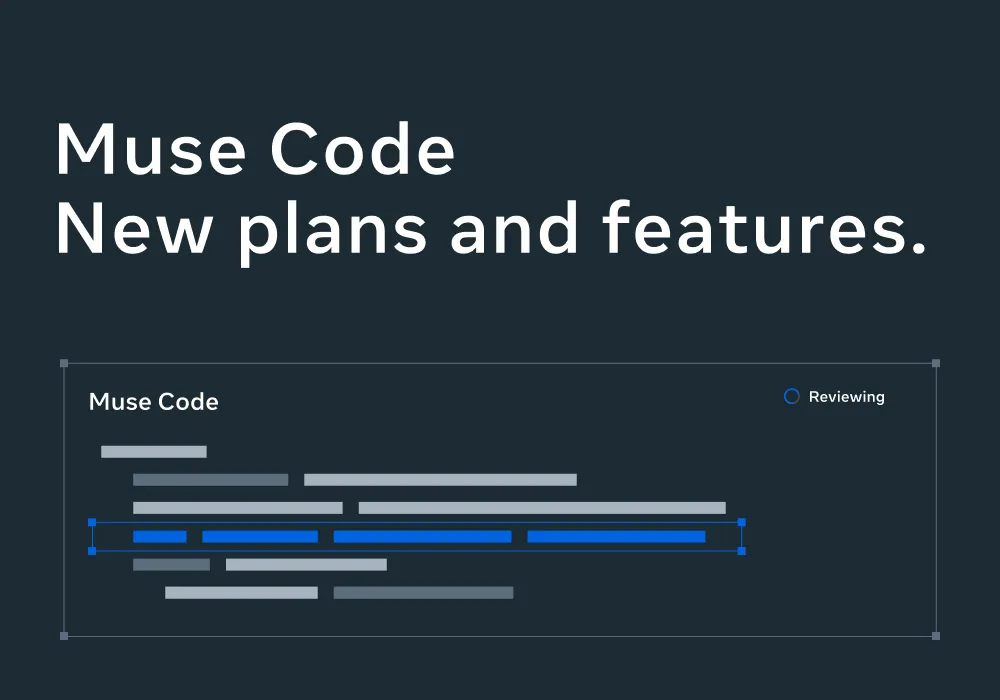
MetafeatureMuse Code (Generally Available)
Muse Code leaves beta with subagent orchestration, session rewind, inter-session messaging, a TypeScript SDK in developer preview, and monthly subscription plans.
- Best for: Running several coding subagents in parallel and rolling back when one goes wrong
- When to use it: You want predictable monthly cost for agentic coding instead of per-token billing
- Who benefits: Developers who trialled the beta and need stable pricing and programmatic control to adopt it properly
 SpaceXAIfeature
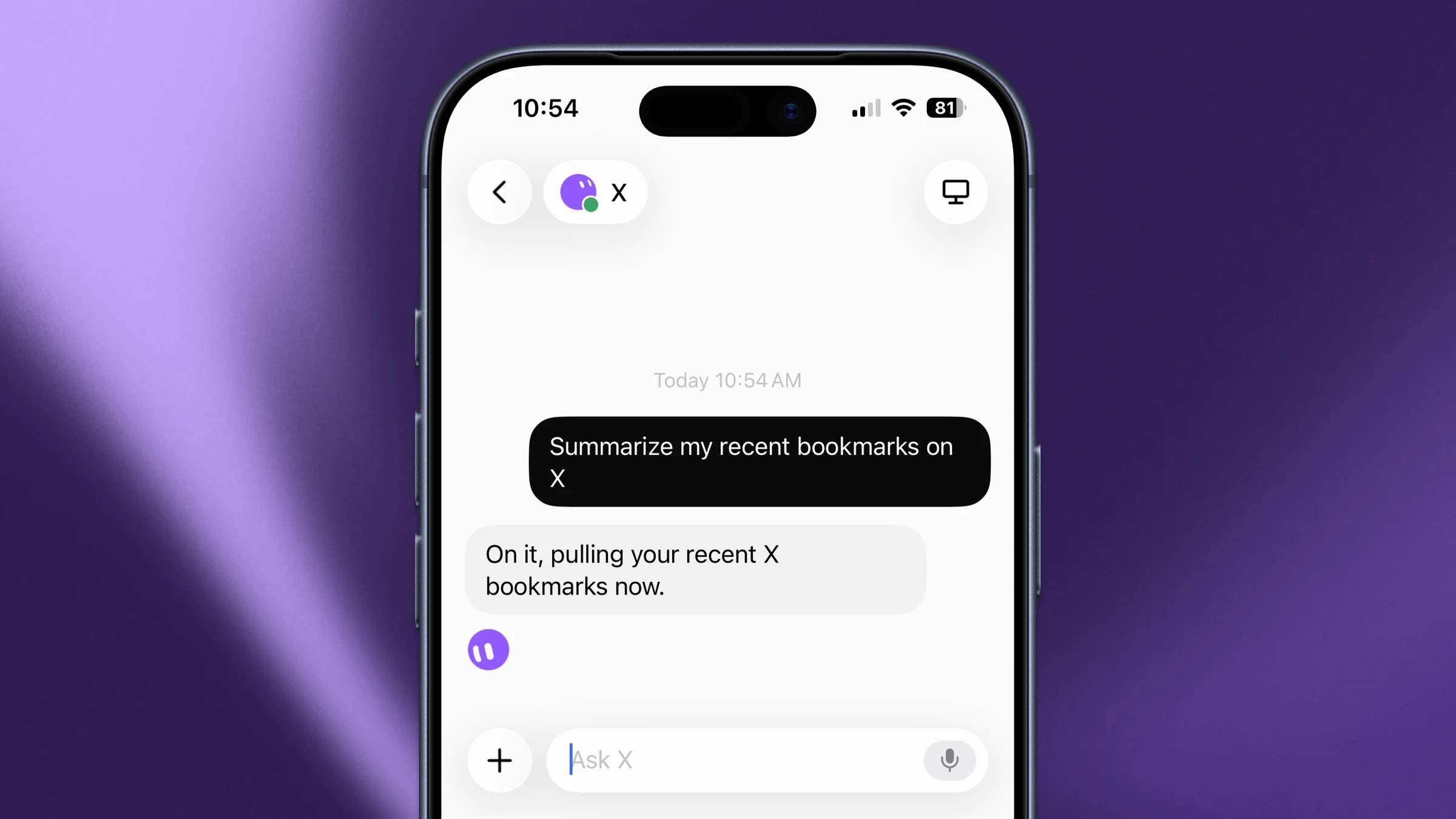
Grok Bot X Integration
Grok Bot can now sign into your X account to search posts, read your timeline, and check mentions as part of a job.
- Best for: Handing social listening and X research to an agent instead of scrolling for it
- When to use it: You need what is happening on X pulled together as an input to other work, not as a separate browsing session
- Who benefits: Social and content marketers who monitor X by hand
AnthropicpricingClaude Code Weekly Limits Raised 25% (Permanent)
Standard weekly usage limits in Claude Code go up 25% permanently on September 14, replacing the temporary 50% increase running until then.
- Best for: Planning how much Claude Code work fits into a week without hitting a usage wall
- When to use it: You regularly run out of weekly usage before the reset and have been leaning on the temporary increase
- Who benefits: Pro, Max, Team, and seat-based Enterprise subscribers who use Claude Code daily
 OpenAIfeature
Appshots
A Mac hotkey that hands ChatGPT Work and Codex whatever app window you are looking at, as both a screenshot and its text.

- Best for: Asking about something on your screen without describing it or copying it over first
- When to use it: The thing you need help with lives in another app: a Slack thread, a form, a dashboard, a video editor
- Who benefits: Mac users on ChatGPT Work or Codex who switch between apps all day
PerplexitymodelGLM 5.3 in Perplexity Computer
GLM 5.3 is now one of the models you can run inside Perplexity Computer.

- Best for: Long research tasks where the agent has to hold a lot of context and cite what it found.
- When to use it: A job runs long, spans text and images, and needs evidence attached to the answer.
- Who benefits: Perplexity Computer users who pick a model per task instead of taking the default.
OpenAIfeatureRosalind Workbench (Research Preview)
A life sciences workspace inside ChatGPT that runs scientific tools and shows the work behind each result.
- Best for: Running a biology analysis end to end without stitching separate tools together yourself.
- When to use it: A research question needs several specialized tools and you have to be able to check the output.
- Who benefits: Life sciences researchers, plus enterprise and public health teams doing biology work.
AnthropicfeatureFaster Claude Code CLI Startup
Small update. The Claude Code command line tool opens faster and downloads smaller. Most people will notice it only as less waiting at launch.
- Best for: Anyone who opens and closes Claude Code many times a day.
- When to use it: Run claude update to pick it up. There is nothing to configure.
- Who benefits: Claude Code command line users, especially on Linux and on slow connections.
AnthropicfeatureResume Terminal Sessions in the Claude Code Desktop App
Pick up a Claude Code session you started in the terminal and continue it inside the desktop app.

- Best for: Starting work in the terminal and finishing it somewhere with a real interface.
- When to use it: A command line session has run long enough that you would rather read it in a window than in scrollback.
- Who benefits: Anyone running Claude Code from a terminal who also has the desktop app installed.
PerplexityapiConnectors in the Perplexity Agent API
Agents on the Perplexity Agent API can reach GitHub, Slack, Google Drive, and Datadog without you passing credentials on every call.

- Best for: Agents that need to touch the same work tool over and over across many requests.
- When to use it: You are passing the same server URL and token on every API call and want to stop.
- Who benefits: Developers building on the Agent API, and the API Group admins who set up access for a whole team.
GooglefeatureExpert Intelligence in Gemini Notebook
Add Google Play ebooks you own as sources in Gemini Notebook and work with them next to your own material.

- Best for: Bringing a published author's thinking into the same notebook as your own notes and documents.
- When to use it: You own a book on Google Play that covers what you are researching.
- Who benefits: Researchers, students, and anyone building a knowledge base who reads more than they clip.
GooglefeatureScene Extension in the Gemini App
Gemini app subscribers can keep extending a video they generated, without touching the API.

- Best for: Stretching a short generated clip into a longer story instead of starting over.
- When to use it: A video you made ends too early, or you want to take it in a different direction from where it stopped.
- Who benefits: Google AI Plus, Pro, and Ultra subscribers making video in the Gemini app.
GooglemodelGemini Omni 1.1 Flash (Generally Available)
Google's video generation and editing model, out of preview and into general availability as gemini-omni-1.1-flash.

- Best for: Generating short video and then reworking it without leaving one model.
- When to use it: You need a clip built from a prompt or an image and expect to keep editing it afterward.
- Who benefits: Developers putting video into a product, and creative teams producing short-form video at volume.
AnthropicfeatureClaude Code Restricted Mode
A launch flag that strips Claude Code down to reading and writing files in one folder, with no ability to run commands.
- Best for: Handing Claude Code to someone whose work never needs it to execute anything.
- When to use it: You want a session that cannot run code, fetch a URL, or pull settings off the machine.
- Who benefits: Teams putting Claude Code in front of people outside engineering, and anyone running it on work they do not fully trust.
Join the newsletter to get ahead with AI.
I share strategies, new modules, free guides, and tools to get you better at using AI in your work.
Leading a team? See team programs →