






 Anthropicfeature
Smart Reports in Claude Enterprise (Beta)
An AI-written report on how a Claude Enterprise organization uses Claude, what each kind of work costs, and which repeated work could become shared skills.
- Best for: Seeing what work your organization produces with Claude and what each kind of work costs
- When to use it: You are planning Claude spend or a wider rollout and need evidence beyond seat counts and message totals.
- Who benefits: Claude Enterprise owners and admins, plus the ops or enablement leads who report on AI adoption
 SpaceXAIfeature
Grok Bot Quality-of-Life Update
A batch of Grok Bot changes: drafts you approve before they send, one-click account switching, a native iPad app, and more included usage.
- Best for: Keeping a hand on what an agent sends out on your behalf
- When to use it: You want the Bot to prepare messages but you make the call on sending them
- Who benefits: Grok Bot users working from an iPad, and heavy users who kept hitting usage limits
SpaceXAIfeatureCoinbase Connector in Grok
Grok can check a Coinbase balance and place or cancel trades from a chat message.

- Best for: Watching a Coinbase portfolio and acting on it inside the Grok chat window
- When to use it: You hold assets on Coinbase and want to check balances or move on them by typing rather than clicking
- Who benefits: Coinbase account holders who already use Grok as their day-to-day assistant
 Perplexityapi
OAuth for the Perplexity API MCP Server
Connecting an assistant to Perplexity's search now works by signing in, instead of pasting an API key.

- Best for: Wiring live web search into an AI assistant without handling or storing a key
- When to use it: You are setting up Perplexity search inside an assistant for a team and need to pick which organization pays
- Who benefits: Anyone on a Perplexity team plan who wants search in their assistant without pulling in a developer
SpaceXAIfeatureTransparent Backgrounds in Grok Build
Small update. Grok Build can render with a fully transparent background. Most users will not notice.
- Best for: Letting whatever sits behind Grok Build show through instead of a solid panel.
- When to use it: You keep Grok Build open next to other work and the opaque background is in the way.
- Who benefits: Grok Build users who care how the tool looks alongside everything else on screen.
PerplexityapiPerplexity Search API in Hermes Agent
Hermes Agent can now search the live web through Perplexity's Search API.

- Best for: Giving an agent current web results instead of only what its model already knows.
- When to use it: The agent's answers depend on information that changes faster than a training cutoff.
- Who benefits: Developers building agents that need to check the web mid-task.
 Metafeature
Muse
Meta's personal AI agent that takes action across your apps rather than answering questions, rolling out in the US on iOS, Android, web, and WhatsApp.
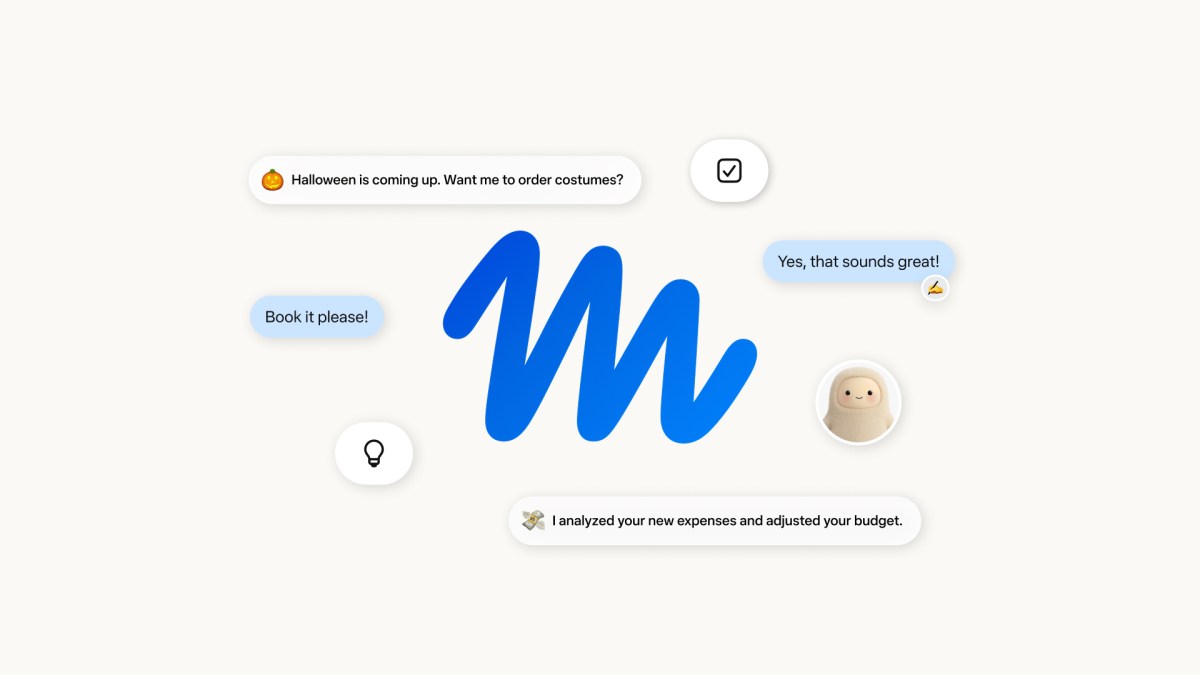
- Best for: Offloading errands that span several apps, like booking, buying, scheduling, and filling in forms
- When to use it: A task needs doing across accounts you are logged into and you would rather approve the result than run the steps
- Who benefits: Anyone evaluating what a mainstream consumer agent can do, and marketers who need to understand the surface their audience will use
 OpenAImodel
GPT-6 Astra in Codex and ChatGPT Work
GPT-6 Astra is switched on for everyone on a paid ChatGPT plan, but only inside Codex and ChatGPT Work, not the regular chat app.
- Best for: Getting OpenAI's newest model into the tools your team already works in, without waiting on a staged rollout
- When to use it: You pay for Plus, Pro, Business, or Enterprise and your work happens in Codex or ChatGPT Work
- Who benefits: Operators and marketers at companies running on ChatGPT Work, and anyone using Codex daily
SpaceXAIfeatureForm and Login Filling in Grok Bot
Grok Bot can fill in forms and sign-in fields for you from inside the chat.

- Best for: Keeping an agent moving through a task that hits a sign-in wall partway.
- When to use it: The bot needs credentials or form details you do not want to paste into a chat window.
- Who benefits: Anyone running Grok Bot against tools that sit behind a login.
 Manusmodel
GPT-Image-2.5 in Manus
Manus now runs OpenAI's GPT-Image-2.5 Flare for the images it generates.

- Best for: Generating brand assets inside a Manus task instead of making them somewhere else and uploading them.
- When to use it: The image has to sit on top of something else and needs a clean transparent background.
- Who benefits: Marketers using Manus to build presentations, websites, and brand assets.
 Googlefeature
Gemini 3.5 Transcribe in the Gemini App for macOS
Speak to Gemini on a Mac and have it act on what is already open on your screen.

- Best for: Working through files and research by talking instead of typing.
- When to use it: What you need Gemini to act on is already open on your screen and describing it in a prompt is slower than pointing at it.
- Who benefits: Mac users who do research and planning work in long sessions.
GooglefeatureQuiz Follow-Ups in Gemini Notebook
After a quiz, Gemini Notebook can tell you what to study next or build flashcards aimed at what you got wrong.
- Best for: Turning a pile of source documents into a study loop that targets your actual gaps.
- When to use it: You have taken a quiz on your own material and want the next round aimed at what you missed.
- Who benefits: Anyone onboarding to a dense body of material, including marketers learning a new product or category.
OpenAIapiGPT-Image-2.5 Flare and Sunburst
Two new image models in the OpenAI API, one tuned for speed and one for tighter control over edits.

- Best for: Generating brand and product imagery inside your own tools rather than in a chat window.
- When to use it: You are producing images in volume and want to pick speed or precision per job.
- Who benefits: Teams with a developer wiring image generation into a content or ecommerce workflow.
OpenAIfeatureSketch in ChatGPT
Draw a rough sketch inside ChatGPT and use it as the reference for the image it generates.

- Best for: Getting layout and composition right when describing them in words keeps missing.
- When to use it: You can picture where things sit on the page but the prompt keeps producing the wrong arrangement.
- Who benefits: Marketers building flyers, posters, and product shots without a designer.
OpenAImodelChatGPT Images 2.5
OpenAI's new image model in ChatGPT, with faster generation and edits that change only the part you point at.

- Best for: Producing and revising campaign visuals inside ChatGPT instead of round-tripping through a design tool.
- When to use it: You need several versions of the same image and the subject has to stay recognizable across all of them.
- Who benefits: Content and brand marketers who make their own social and ad creative.
SpaceXAIfeatureGrok Imagine Video 1.5 Agent
Grok's video agent rebuilt on the Image 2.0 model, with better continuity when it strings shots together.

- Best for: Generating a short sequence of connected shots rather than a single isolated clip.
- When to use it: The video has to hold together across cuts, so a character or a setting cannot reset between shots.
- Who benefits: Social and content marketers producing short-form video without a production crew.
SpaceXAIfeatureGrok Bot Templates
A marketplace of prebuilt Grok Bot configurations you can add instead of setting one up from scratch.
- Best for: Standing up a working agent for a known job without writing its instructions yourself.
- When to use it: The job is a common back-office task that someone has already configured well.
- Who benefits: Operations and marketing leads who want an agent running without designing one first.
SpaceXAIfeatureFinancial Accounts in Grok
Connect your bank and investment accounts to Grok and ask questions about your own money.

- Best for: Getting a plain answer about your own spending without opening a budgeting app.
- When to use it: The question spans accounts, such as where the month's money went or whether a purchase fits.
- Who benefits: Grok users in the United States who want personal finance answers in the same place they already ask everything else.
PerplexitymodelGPT-6 Astra in Perplexity Computer
OpenAI's GPT-6 Astra is now selectable in Perplexity Computer, for Pro and Max subscribers.
- Best for: Running Perplexity's agent work on OpenAI's newest model without leaving Perplexity.
- When to use it: The task is long-running or agentic and you want Astra handling it rather than Perplexity's default.
- Who benefits: Perplexity Pro and Max subscribers who use Computer for multi-step work.
OpenAImodelGPT-6 Astra
OpenAI's new frontier model, built for computer use, software engineering, and long-running agent work.

- Best for: agent work that runs long enough to need the model to hold a task together across many steps
- When to use it: a job involves operating a computer, writing and revising code, or producing research and documents end to end
- Who benefits: developers on the API, plus Pro, Enterprise, and Business Premium users of ChatGPT Work and Codex
Join the newsletter to get ahead with AI.
I share strategies, new modules, free guides, and tools to get you better at using AI in your work.
Leading a team? See team programs →