






 Googlemodel
Gemini Robotics ER 2 on Google Cloud (Preview)
Google DeepMind's reasoning model for robots is now in public preview on Google Cloud. A niche release for teams building physical robots, not for most marketing work.
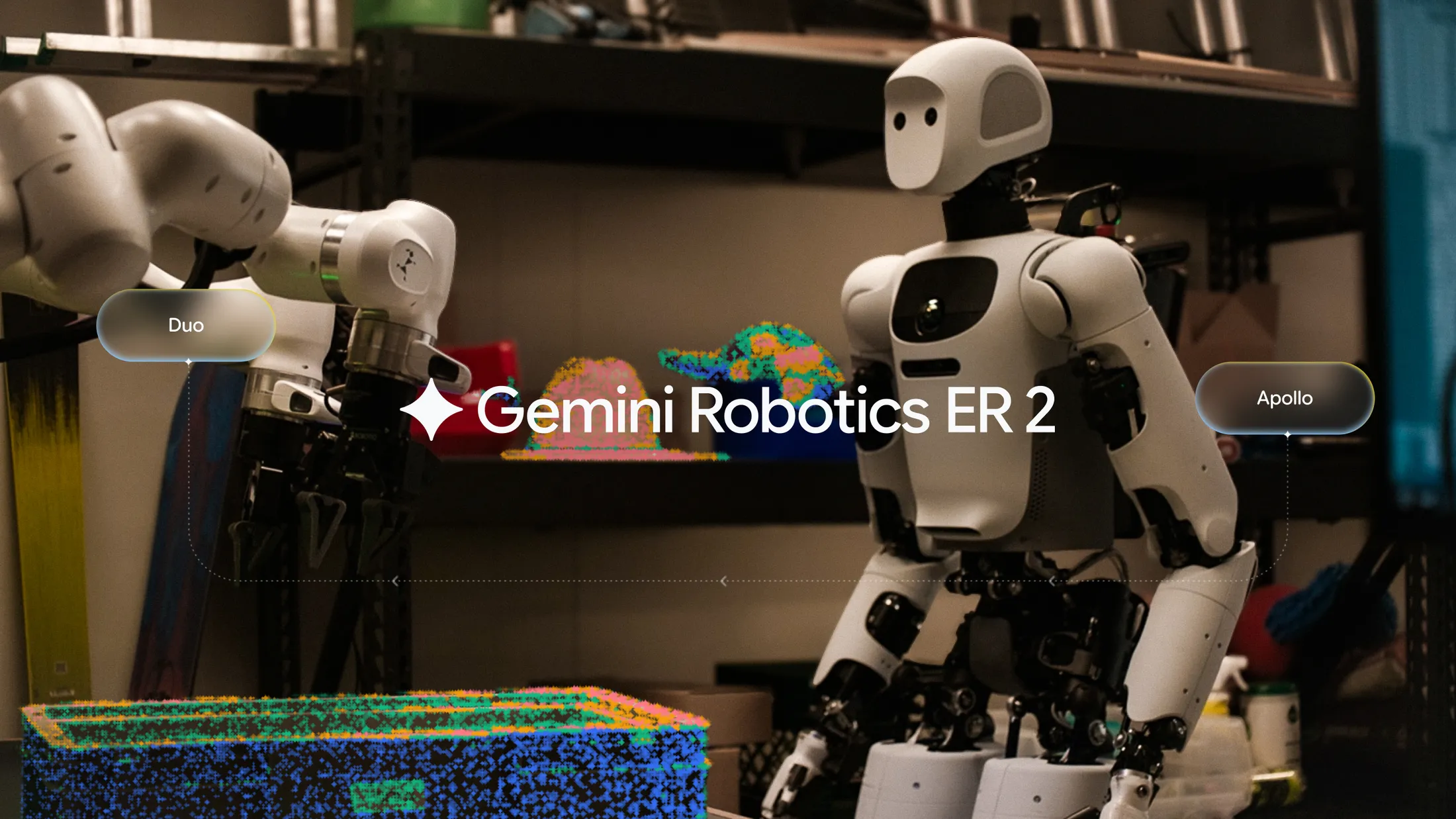
- Best for: Giving a robot a planner that watches video, checks whether a task worked, and retries a failed step.
- When to use it: Your team is building or running robots and wants a hosted model to coordinate them instead of hand-coding every step.
- Who benefits: Robotics and manufacturing engineering teams on Google Cloud.
GoogleapiGemini API CLI (Beta)
A free, open-source command-line tool for calling Gemini models and Google's managed agents from a terminal. For developers and for AI coding agents that run shell commands.
- Best for: Generating images, speech, video, or text, or running a Deep Research agent, from a script without writing SDK code.
- When to use it: You already work with a coding agent like Claude Code or Codex and want it to call Gemini as one more tool.
- Who benefits: Technical marketers and ops people who automate content or research jobs with scripts.
 OpenAImodel
GPT-6.1 Terra
OpenAI's lower-cost model for computer use, now in ChatGPT Work, Codex, and the API.
- Best for: High-volume work where an agent reads the screen and clicks through apps, like filling forms or moving data between tools.
- When to use it: Your agent workflows run often enough that cost and speed matter more than top-tier reasoning.
- Who benefits: Ops and marketing teams running repeat agent tasks in ChatGPT Work or Codex, and developers building agents on the API.
 Anthropicfeature
Claude for Nonprofits Plugin
A set of skills for verified nonprofits on Claude Team and Enterprise, covering fundraising, marketing, hiring, and board work.
- Best for: Small nonprofit teams drafting grant proposals, donor updates, campaigns, and job posts without dedicated staff for each.
- When to use it: You're a verified nonprofit on Claude Team or Enterprise. The plugin installs automatically, so start by asking Claude to map where your organization keeps its information.
- Who benefits: Development directors, communications leads, and executive directors at small and local nonprofits.
 Metaapi
Social Technologies MCP App Setup Tools
Meta's Social Technologies MCP can now create a Meta app, link it to a Business Portfolio, and add a use case such as WhatsApp Business messaging, for developers working through an AI agent.
- Best for: Setting up a new Meta app integration by talking to your AI agent instead of clicking through dashboards
- When to use it: You are starting a WhatsApp Business messaging or similar Meta integration
- Who benefits: Developers and technical marketers building on Meta's business platforms
GoogleapiGemini API Request Logging On by Default
Small update for developers: new Gemini API projects now save their requests and responses by default.
- Best for: Developers who want to review past prompts and responses in Google AI Studio without building their own logging.
- When to use it: You're starting a new Gemini API project and need to decide whether request history should be kept or switched off.
- Who benefits: Developers debugging Gemini apps, and whoever is responsible for what data a team's AI projects retain.
 SpaceXAIfeature
Saved Logins, Cards, and Contact Info in Grok Bot
Grok Bot can now store your logins, payment cards, and contact details so you don't have to supply them again each time it runs a task, for Grok Bot users.

- Best for: Repeat errands that need you signed in or need to pay, like reordering supplies or booking through a site you use often.
- When to use it: You keep handing Bot the same login or card details every time it runs a task.
- Who benefits: People who lean on Grok Bot daily for shopping, bookings, and account chores across many sites.
AnthropicfeatureMCP Tasks and Elicitations in Claude Code
Connected tools can now run long jobs in the background and stop to ask you a question partway through, for Claude Code terminal users.
- Best for: Connected tools that take minutes to finish, like a deep research run, a report export, or a build, without stalling the conversation.
- When to use it: Your Claude Code plugin or connector does slow work, or needs a decision from you midway, such as confirming a refund or filling in a missing detail.
- Who benefits: Teams building their own Claude plugins and connectors, plus the people who run those tools from the terminal.
 Microsoft Copilotfeature
WhatsApp Channel Closed to New Copilot Studio Connections
Since October 23, 2026, Copilot Studio agents can no longer be newly connected to WhatsApp through the Azure Communication Services channel. Agents connected before then keep working.
- Best for: Knowing whether WhatsApp is still an option for a planned customer agent.
- When to use it: Check before promising a WhatsApp launch for any agent that isn't connected yet.
- Who benefits: Teams running customer service or marketing agents on messaging apps.
AnthropicfeatureOne Claude for Enterprise (Generally Available)
Chat and Cowork are now one Claude experience on Claude Enterprise plans, with new admin controls over models and spend.
- Best for: Starting a conversation and handing off file or code work without switching into a separate Cowork mode.
- When to use it: Your company is on Claude Enterprise and has been waiting for the unified experience Pro and Max users got in September.
- Who benefits: Enterprise admins who need to control which roles get which models and how much each group can spend.
 Perplexityapi
Decider for Mac
A free Mac app that runs Perplexity's small decision model on your own computer, so you can label and sort private files without sending them anywhere.

- Best for: Labeling, routing, or sorting content that can't leave your laptop, like customer exports, meeting notes, or screenshots of internal tools
- When to use it: You want to test classification questions over and over without an API key or a usage bill
- Who benefits: Technical marketers and ops people comfortable running a short script, on Apple silicon Macs
SpaceXAIfeatureGrok Bot Phone Apps and 1Password
Two Grok Bot updates: it can now use Calendar, Reminders, Contacts, and other apps on your phone, and it can sign in to sites with logins from your 1Password account.

- Best for: Handing Grok Bot errands that touch your schedule, contacts, or sites that need a login
- When to use it: You want the Bot to add a reminder, check your calendar, or log into a tool for you instead of stopping to ask
- Who benefits: Grok Bot users on iOS and Android who already keep their passwords in 1Password
AnthropicfeatureClaude Models on Google Cloud (Anthropic Managed)
A new way for Google Cloud customers to use the full Claude Platform, run by Anthropic and billed through Google Cloud.

- Best for: Companies that buy through Google Cloud and want the same Claude features as the native Claude Platform
- When to use it: Your team's AI spend has to go through a Google Cloud commitment, but you need Claude features that arrive late or not at all on the Google-run version
- Who benefits: IT and procurement leads at Google Cloud shops, plus the developers building on Claude inside them
AnthropicfeatureAuto Mode by Default in the Claude Apps
Starting next week, Claude sessions in the web, desktop, and mobile apps run in auto mode by default for Pro, Max, and Team plans.
- Best for: Longer tasks where stopping to approve every step slows the work down
- When to use it: You hand Claude a multi-step job and want it to keep going without checking in on each action
- Who benefits: Pro, Max, and Team subscribers who run agent-style work in the Claude apps
PerplexityapiBatch API for the Perplexity Agent API
Developers can now send up to 50,000 Agent API requests in one file and collect the results when the batch finishes, for developers on the Perplexity API.
- Best for: Large research, enrichment, or classification jobs that don't need answers right away
- When to use it: You have thousands of rows to run, like enriching a list of companies with web research, and don't want to manage rate limits request by request
- Who benefits: Developers and data teams running bulk research jobs on Perplexity
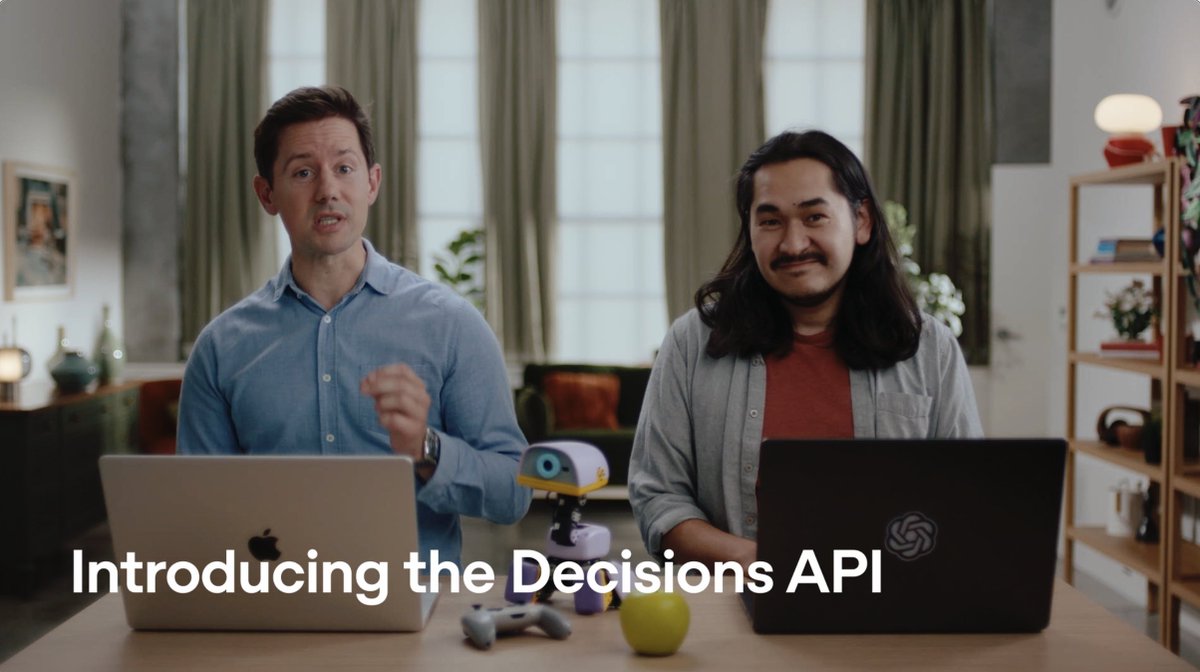
OpenAIapiDecisions API (Generally Available)
OpenAI's API for quick yes/no, pick-one, and scoring calls on text and images is out of beta, with new voice, caching, and structured-input support.
- Best for: Routing, labeling, and gatekeeping steps inside apps and agents that need a fast answer, not a written reply
- When to use it: A step in your workflow only needs a decision, like which team gets a ticket or whether an image breaks policy, and a full model response is slow and costly for that
- Who benefits: Developers and ops teams building automations and agents on the OpenAI API
GooglefeatureGoogle Maps in Gemini Personal Intelligence
With your permission, Gemini can now use your Google Maps searches and saved places, alongside your Google Calendar, to recommend things for your day.

- Best for: Planning a day around meetings and places: where to eat, what's near your next event, what fits between appointments
- When to use it: You want suggestions based on where you're going and what you've saved, without retyping it into a prompt
- Who benefits: Gemini users who already keep their schedule in Google Calendar and their places in Google Maps
GoogleapiAgent Compute Engine and Expanded Agent Governance
Google Cloud's new computing service built to run large numbers of AI agents, plus more controls for tracking and limiting what company agents do. Mostly for IT and platform teams.
- Best for: Companies moving AI agents from pilots to many agents running across the business
- When to use it: Your organization is worried about agents nobody approved, data leaving through agents, or agent costs nobody is tracking
- Who benefits: IT, security, and platform engineering teams at Google Cloud companies
AnthropicapiClaude API Version 2026-10-21
The first new official Claude API version since 2023, with a few breaking changes, for developers who call the Claude API directly or through Anthropic's SDKs.
- Best for: Planning API upgrades on your own schedule instead of being forced into them by a new model.
- When to use it: You maintain an app or integration on the Claude API and are updating your SDKs.
- Who benefits: Developers and technical teams who own Claude API integrations.
SpaceXAIfeatureReports, Memos, and Dashboards in Grok Bot
Grok Bot can now create pages such as reports, memos, and dashboards that you edit together or that it keeps updated, rolling out on the latest Grok Bot apps.

- Best for: Turning recurring updates into a living document instead of a one-time chat answer.
- When to use it: You need a status report or dashboard that has to stay current week to week.
- Who benefits: Managers and operators who already hand work to Grok Bot.
Join the newsletter to get ahead with AI.
I share strategies, new modules, free guides, and tools to get you better at using AI in your work.
Leading a team? See team programs →